4 5
b) Connect to the YI camera app
Download and install the app.
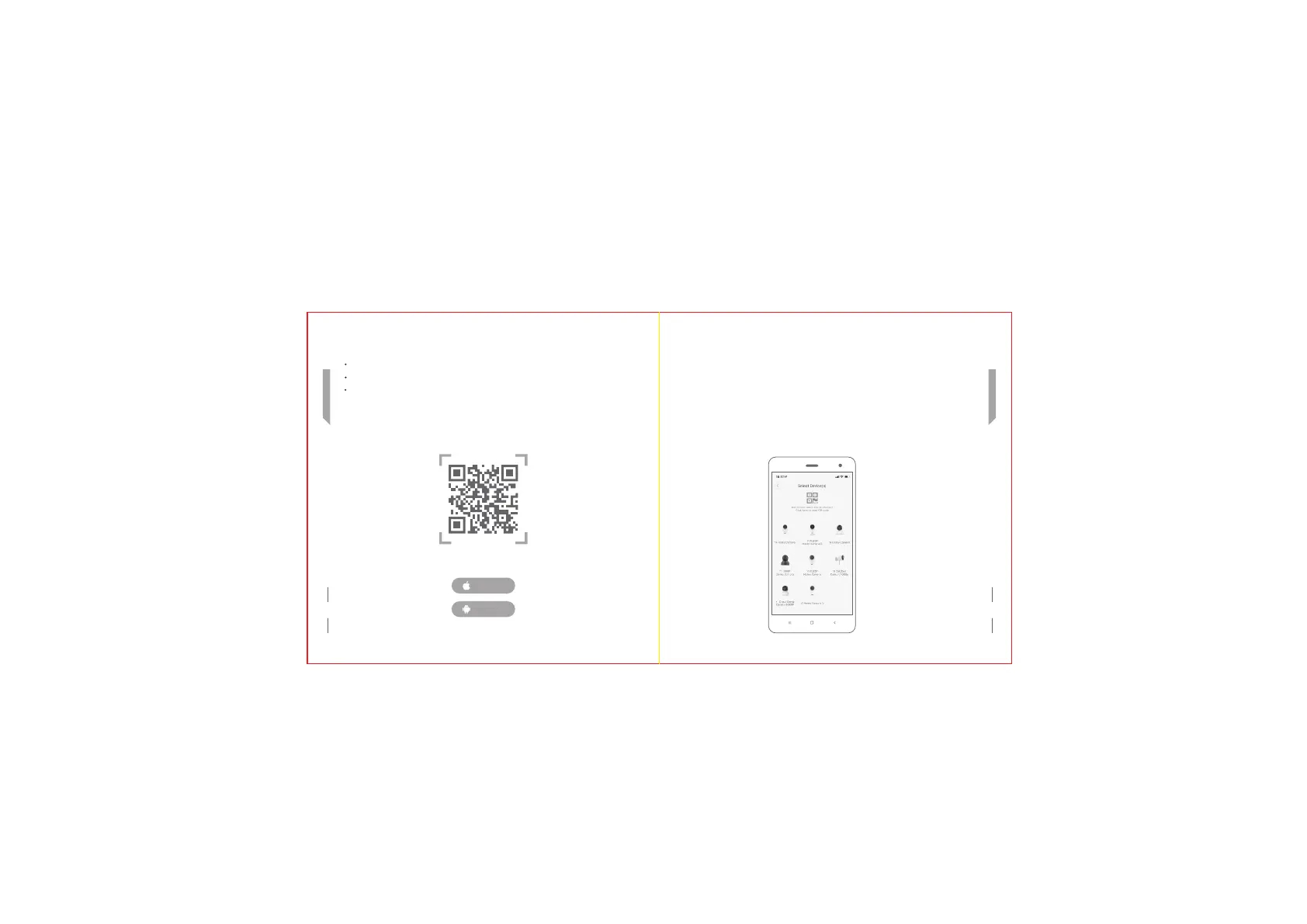
Scan the QR code of the YI Home APP below and complete the installation.
If you have a YI account, log in directly and add the device according to the app's
add process.
YI Home APP QR Code
c) Adding the device to YI account
After logging in to the app, enter the device selection interface, the camera flashes
yellow and the voice prompts “Waiting for connection”.
Then click on “I heard waiting to connect” and point the QR code displayed on the
phone towards the camera lens, waiting for the scan.
After the QR code is scanned successfully, click “Next”. Waiting for the voice prompt
"Pairing successful", you can start using it.
English
English
iPhone
Android


 To Next Page