5. Ventilation Operation
Ventilation start and stop
6
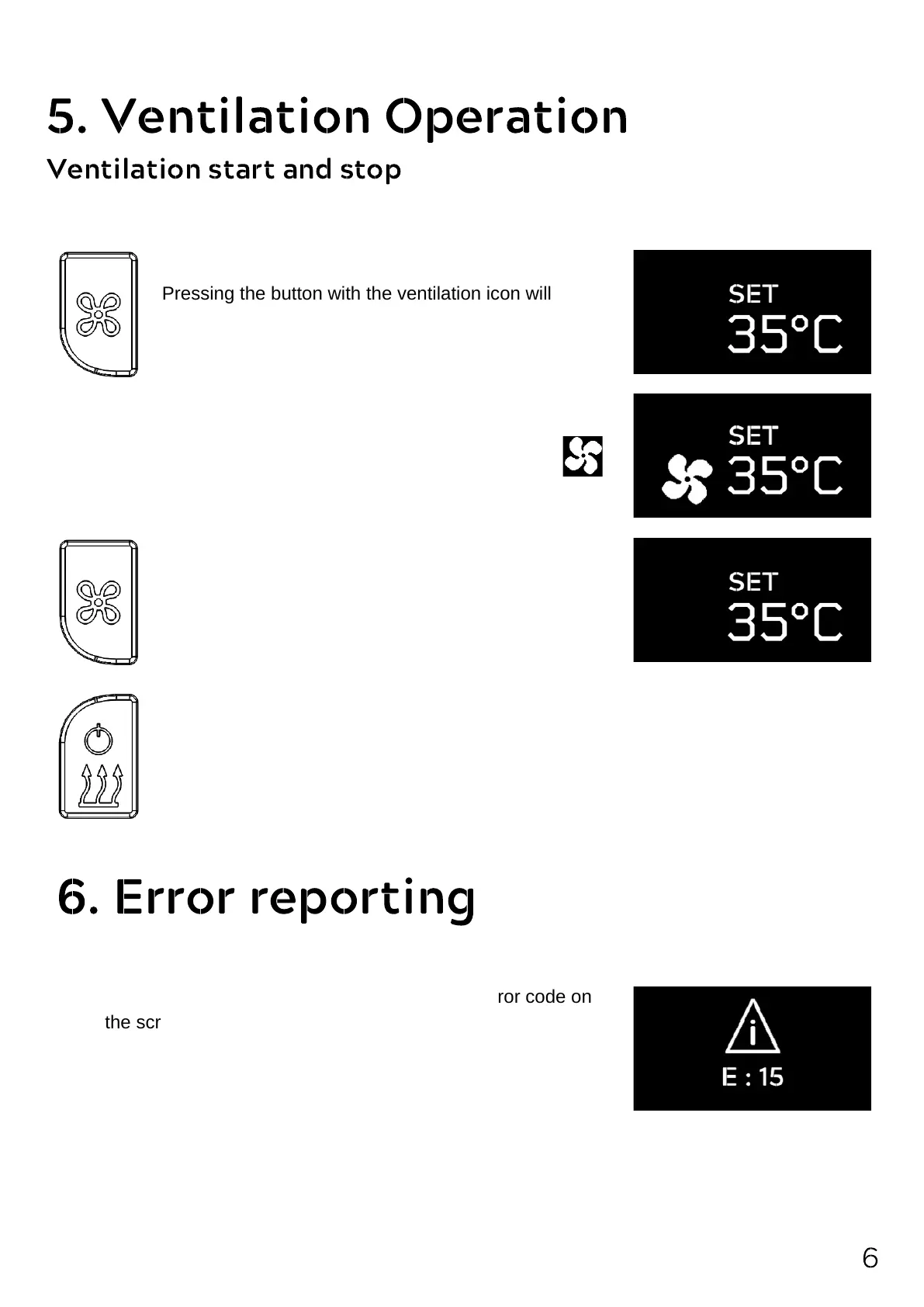
Pressing the button with the ventilation icon will start
the ventilation mode.
The YH Basic control panel controls the air heater based on the SET value.
In case of ventilation, ventilation sign appears on the screen.
If you press the button with the ventilation icon again,
the ventilation mode is stopped.
Attention! If you press the heating button while the ventilation is on, the ventilation
stops again. The device starts heating.
6. Error reporting
If the device detects any error, it will show an error code on
the screen.
You can find information about the problem and how to fix it
from the error table.
For the error table, see. p.7


 To Next Page