8
8. Resetting the Device
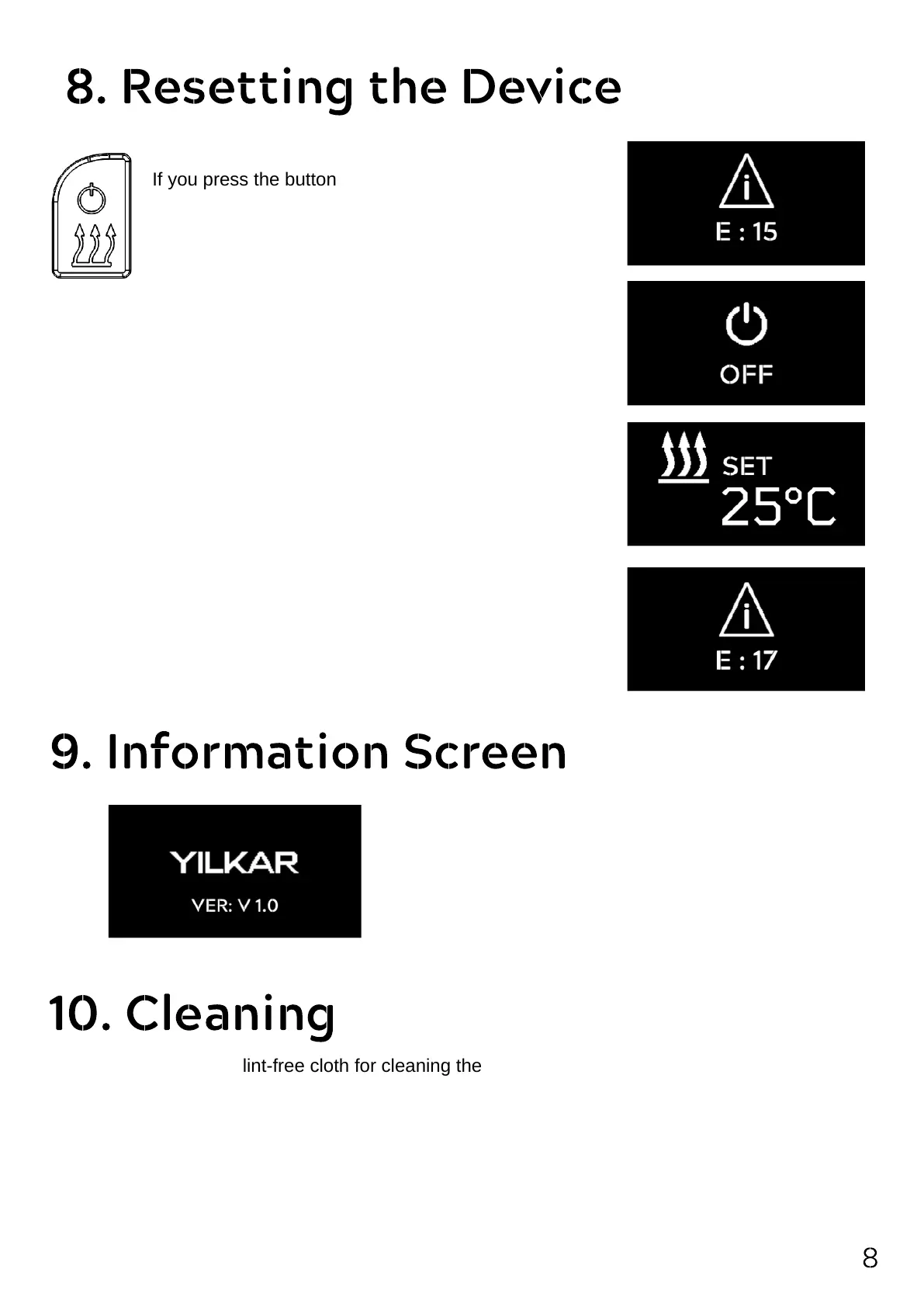
If you press the button with the close icon for more
than 5 seconds, the button turns itself off.
If you press the on button again, the button will reset
your heater by turning it on.
If it resolved the error; the error will be removed from the screen.
If the error is not resolved; the device re-detects the error.
The software version information related to the connected
control panel is displayed on the start screen.
The demonstration switches to the main menu after 3
seconds.
9. Information Screen
10. Cleaning
Please use only a soft, lint-free cloth for cleaning the control panel.
Moisture should not get into the body.
Do not use glass cleaners, household cleaners, sprays, solvents, alcohol-containing or abrasive
cleaners.
It is forbidden to include the control panel in domestic waste.
Please observe the national legal regulations on waste management for electronic products.
Error indication E 17 means there is a communication problem.
To solve the problem, the heater must be de-energized and re-
applied.
It is not possible to reset from the button.


 To Next Page