ENGLISH
34
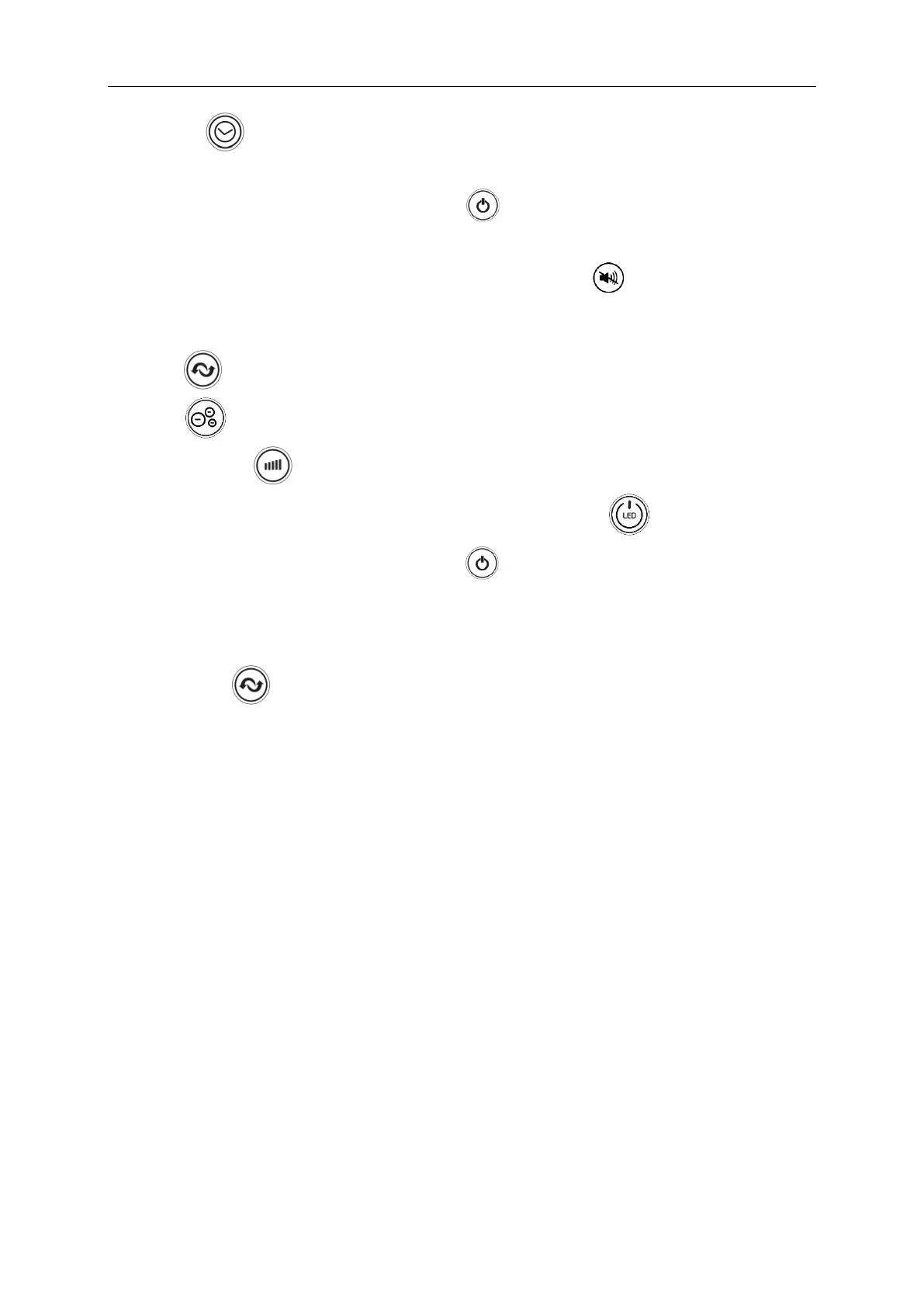
4. By using button you can set the time after which the fan should stop working
(from 1 hour to 12 hours).
5. To turn off the button sound, press and hold button for about 5 seconds. To discharge
the silent mode, press and hold the button again for about 5 seconds.
6. To turn on the silent mode by using the remote control, press button. To discharge the
mode press the button again.
7. Press button to start or to stop oscillation function.
8. Press button to start or to stop ionizer function.
9. Press and hold for about 3 seconds to turn off or on the display.
To turn off or on the display by using the remote control, press .
10. After finishing, turn the fan off by pressing button and unplug the unit.
TIP: You may control the device using the Yoer mobile app via a 2.4 GHz WI-FI connection.
Press and hold for about 3 seconds to connect the device with Wi-Fi.
CLEANING AND MAINTENANCE
1. Always unplug the appliance and keep it away from any socket before cleaning.
2. To clean the outer surface of the appliance, use a lightly damp cloth. Then, dry it thoroughly
with a soft, dry cloth before using again.
3. Do not use any cleaning or chemical products of any kind. Do not let water enter
the openings on the fan.
4. When the appliance is not being used for prolonged periods, ensure that it is fully unplugged
from the socket and store it in its packaging for simple storage and later use.


 To Next Page