ENGLISH
35
5. Set the machine up on a flat, stable surface in a dry place.
6. The fan can be operated by the control panel or by the remote control. The remote control
requires one CR2025 - 3V battery (supplied).
TIP: While inserting the battery into the remote make sure that the filament to the right
is on top of the battery’s top surface (marked with a “+”).
OPERATING INSTRUCTIONS
1. Insert the plug to an electrical outlet. Current room temperature will be shown on the display.
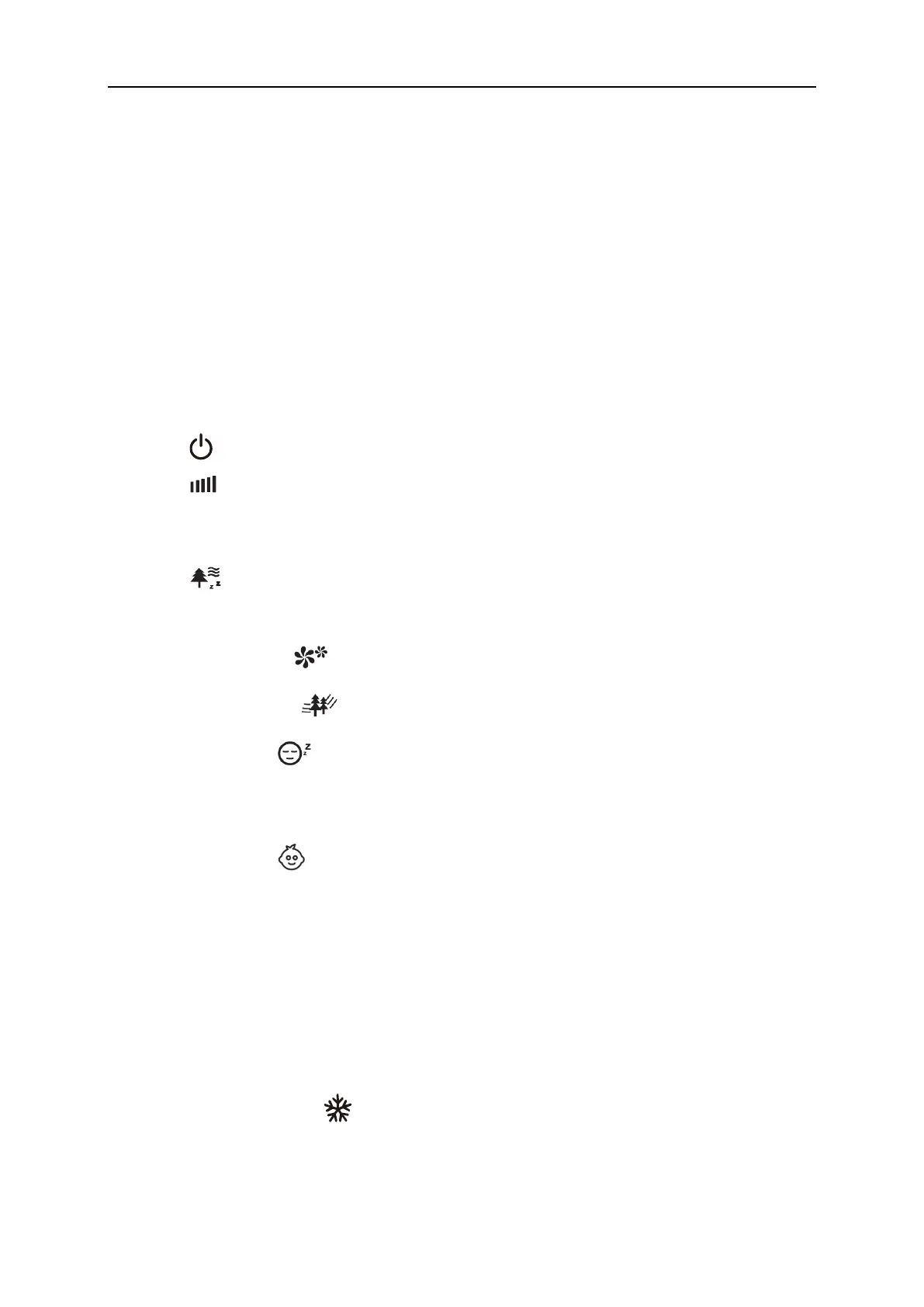
2. Press button to turn on the unit.
3. Press button to adjust the fan speed to the desired level: low, medium or high. Press
and hold the button on the control panel for a few seconds to turn off the display. Press any
button to turn it back on.
4. Press button to select operation mode:
a) NORMAL mode - fan works at the chosen speed.
b) NATURAL mode - fan imitates the flow of natural wind based on chosen speed.
c) SLEEP mode - fan will start working at chosen speed and it will begin gradually
reducing its work speed to the lowest level. LED display will fade out after 30 seconds
of operation.
d) CHILD mode - fan will automatically set up timer to 3 hours, oscillation
and ionizer function will start. The device will start working at the highest speed
and will begin gradually reducing its speed to the lowest level. The LED display will turn
off after 30 seconds of operation. You can turn oscillation function off at any time.
5. To use the cooler functionality, turn off the fan and unplug it. Open the water reservoir lid
and fill the reservoir with cold clear water. Make sure not to exceed the “MAX” level on the
indicator at the front of the device. Next, plug in the device, turn it on and enable the
functionality with the button.


 To Next Page