ENGLISH
36
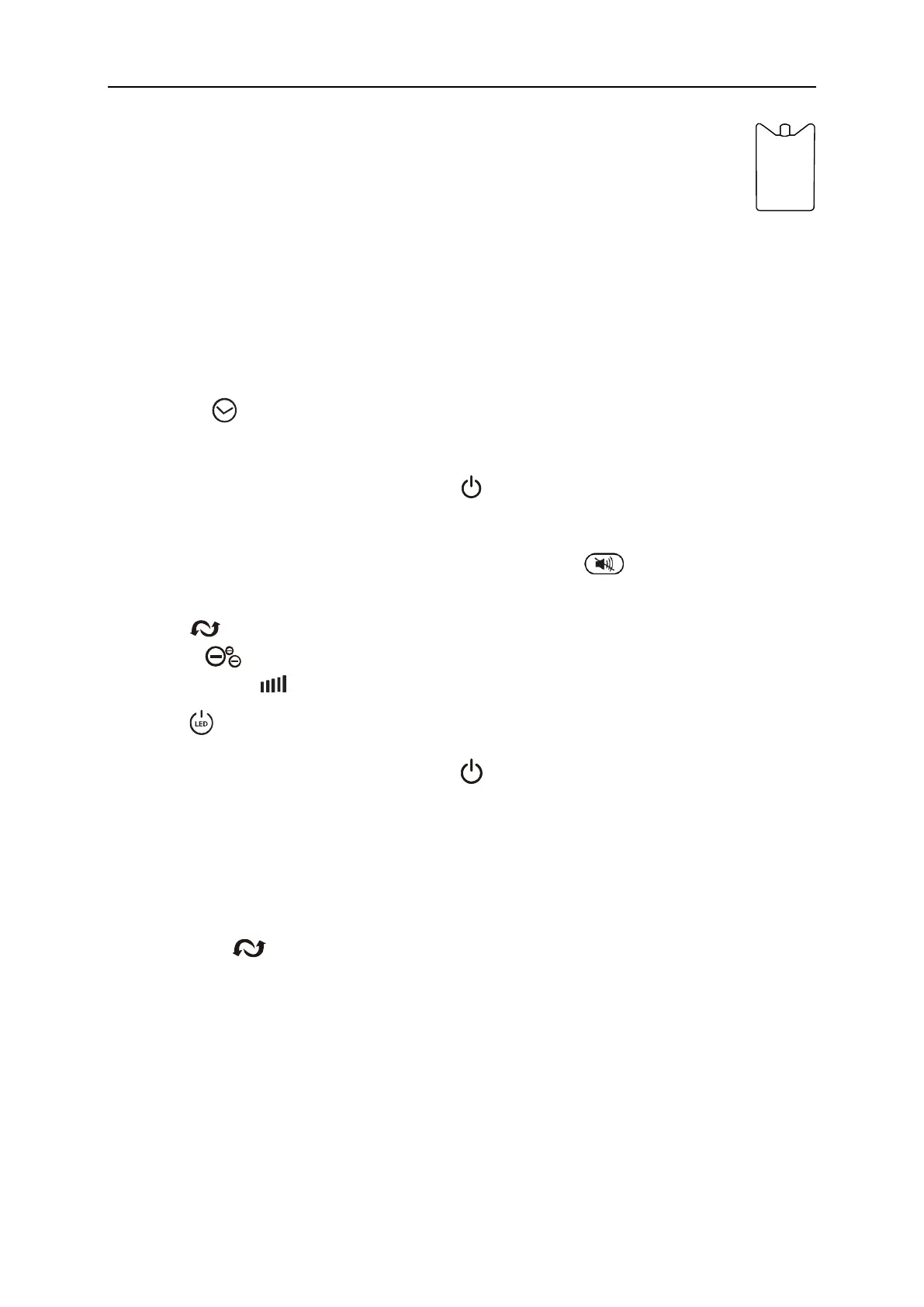
In order to increase the sensation of cooling, it is recommended to additionally
put cooling inserts previously kept in the freezer for about 8 hours into the water
reservoir.
IMPORTANT: When water level gets to “MIN” on the indicator, turn the fan off, unplug it and
refill the water reservoir. Next, plug the device back in, turn it on and enable the cooler
functionality again. Do not allow the device to function in cooler mode with the water reservoir
empty as it may cause damage.
6. By using button you can set the time after which the fan should stop working
(from 1 hour to 12 hours).
7. To turn off the button sound, press and hold button for about 5 seconds. To discharge the
silent mode, press and hold the button again for about 5 seconds.
To turn on the silent mode by using the remote control, press button. To discharge the
mode press the button again.
8. Press button to start or to stop oscillation function.
9. Press button to start or to stop ionizer function.
10. Press and hold for about 3 seconds to turn off or on the display.
Press button on the remote to turn the display off or on.
11. After finishing, turn the fan off by pressing button and unplug the unit.
12. If the cooler functionality was used, lift up the fan while keeping it vertical. Place it over a
receptacle and take off the water reservoir drain plug. After the reservoir has been drained,
put the plug back in place.
TIP: You may control the device using the Yoer mobile app via a 2.4 GHz WI-FI connection.
Press and hold for about 3 seconds to connect the device with Wi-Fi.


 To Next Page