Scene
Set one-click control for multiple devices in your YoLink App. You only run a scene via your
YoLink App.
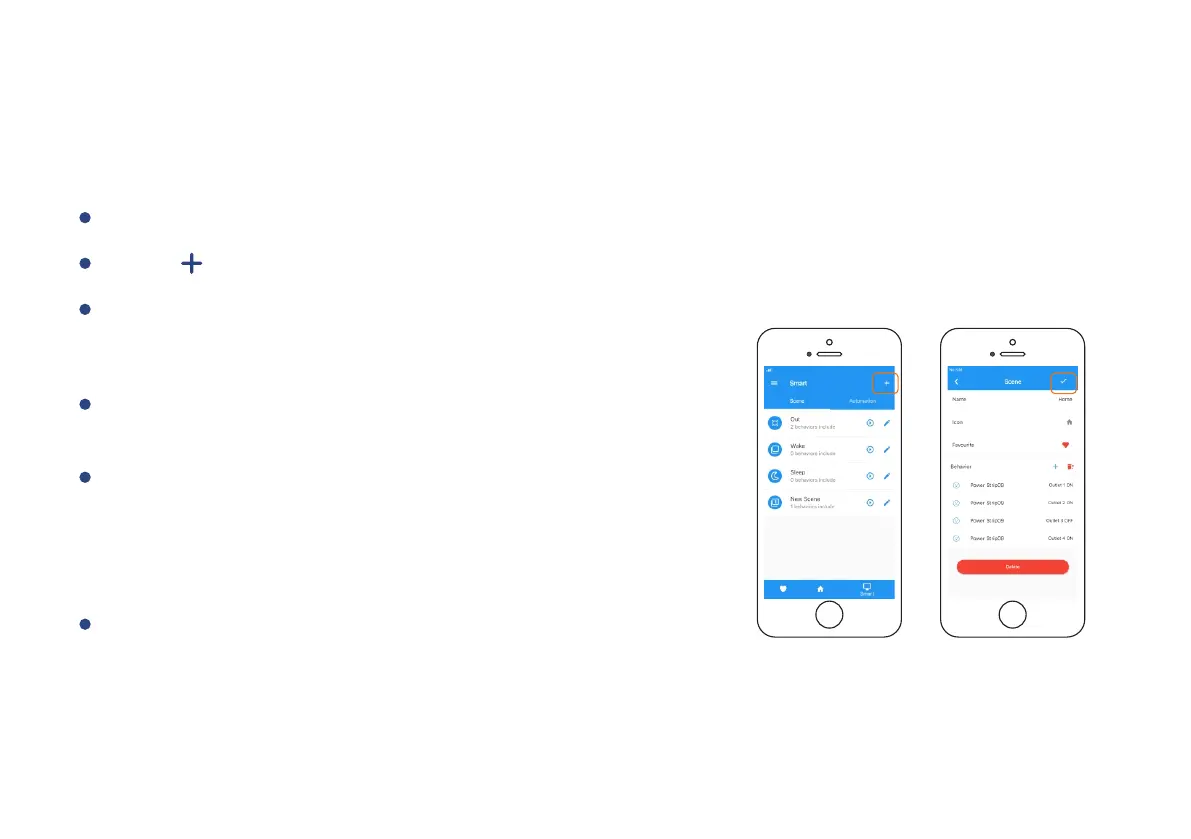
To set a Scene, you will be able to put one or more
devices under this scene, and define their actions
and/or states.
Tap “ ” to create your own Scene.
Tap “Smart” to switch to Smart Screen.
Swipe left any Scene order to edit or delete it.
To execute a Scene, you may tap any scene at
“Smart” or “Favourite” if you mark it as favourite.
Note
You must have at least one YoLink Device in order
to create a Scene.
11


 To Next Page
 Loading...