4. View Video by App
Three ways to connect camera by Wi-Fi.
4.1 Connect Wi-Fi Camera by Camera’s Wi-Fi Hotspot
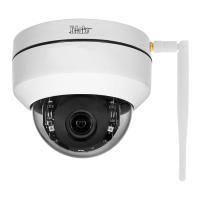
Connect camera with power supply
Power on Wi-Fi Camera by Power adapter 12V1A(BC5) / 12V2A(P1-4X) / 12V3A(P2-20X), camera will turn
into the self-test mode. It will take about 15 seconds.
4.1.1 Connect Wi-Fi (Hot Spot)
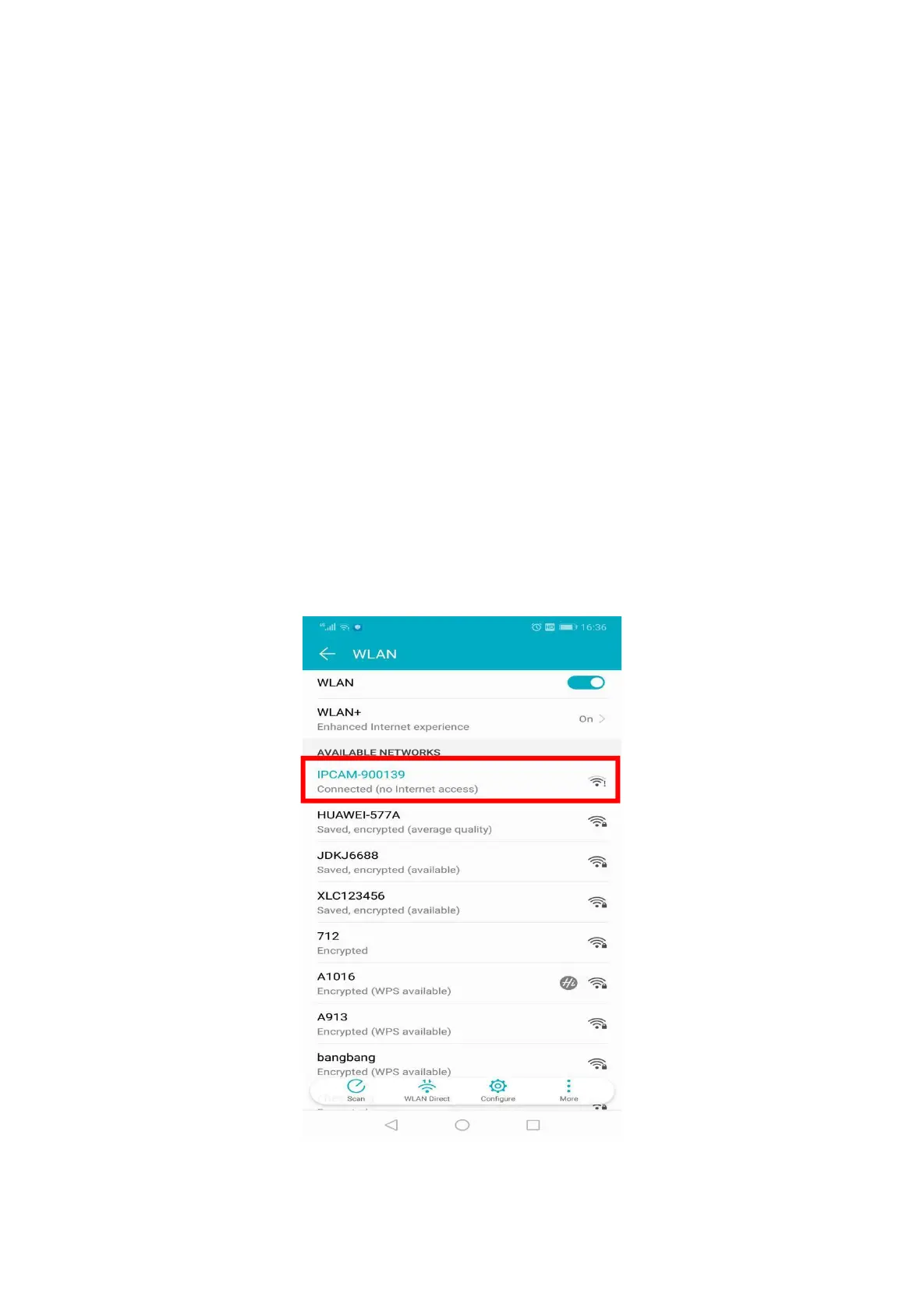
Your cell phone’s Wi-Fi Setting -- search Wi-Fi signals -- connect the Wi-Fi.
The name of Wi-Fi t is the UID on the camera (UID:TTTT-900139-DUFRR; Wi-Fi name:IPCAM-900139)
Password: 01234567
Remark: Camera’s Wi-Fi Hot spot only 3-5meters



 To Next Page