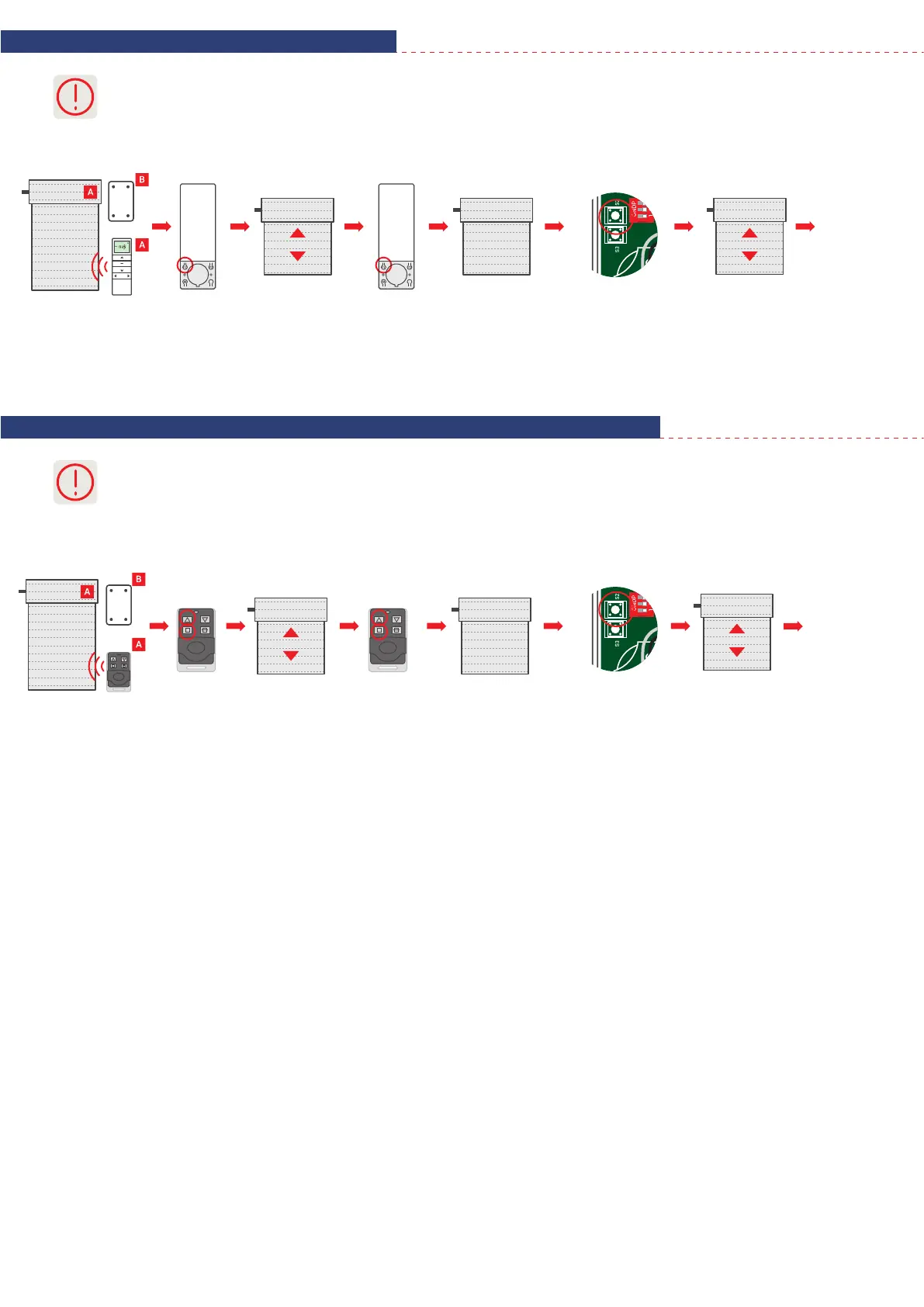
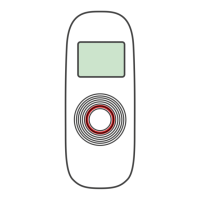
5. Adding transmitter to R type motors
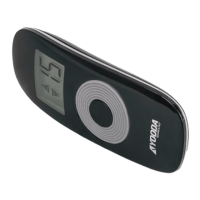
6. Adding transmitter to R type motors using the key-ring remote control
3
Longer than 5 seconds pause between series of button clicks during programming will cause device to switch off from
programming mode without saving any changes.
Motor will make a sound.
Roller shutter will make
an up/down move.
Motor will
make a sound.
Roller shutter
will make
an up/down move
and the motor
will make a few
short sounds.
Press
programming button
P2 on the A
remote control.
Press
programming button
P2 on the A
remote control.
Press
programming button
P2 on the B transmitter.
Motor will make a sound.
Roller shutter will make
an up/down move.
Motor will
make a sound.
Roller shutter
will make
an up/down move
and the motor
will make a few
short sounds.
Press
simultaneously
STOP and UP buttons.
Press
simultaneously
STOP and UP buttons.
Press
programming button
P2 on the B transmitter.
Transmitter
has been
programmed.
Transmitter
has been
programmed.
1. Simultaneously pressing the STOP and UP buttons performs the function of programming button.
2. Longer than 5 seconds pause between series of button clicks during programming will cause device to switch off from
programming mode without saving any changes.


 To Previous Page