8
Operation
Change the information on the screen
Briefly press
to change the information on the screen. You can toggle between the
following information:
TRIP - Accumulated mileage / DST - Trip mileage
PAS level adjustment
Press
or to adjust the level of pedal assistance.
Accompaniment mode
If you press and hold the button for 3 seconds, it will start the motor at a constant
speed of 6km/h to carry the bike eortlessly while walking next to it. Pressing the
brake will deactivate the accompaniment mode.
Do not use it if we are mounted on it. We recommend not to abuse this assistance,
especially on long or very steep slopes.
Front light on/o
Long press for
for 3 seconds to turn on the front light. Long press again to
turn it o.
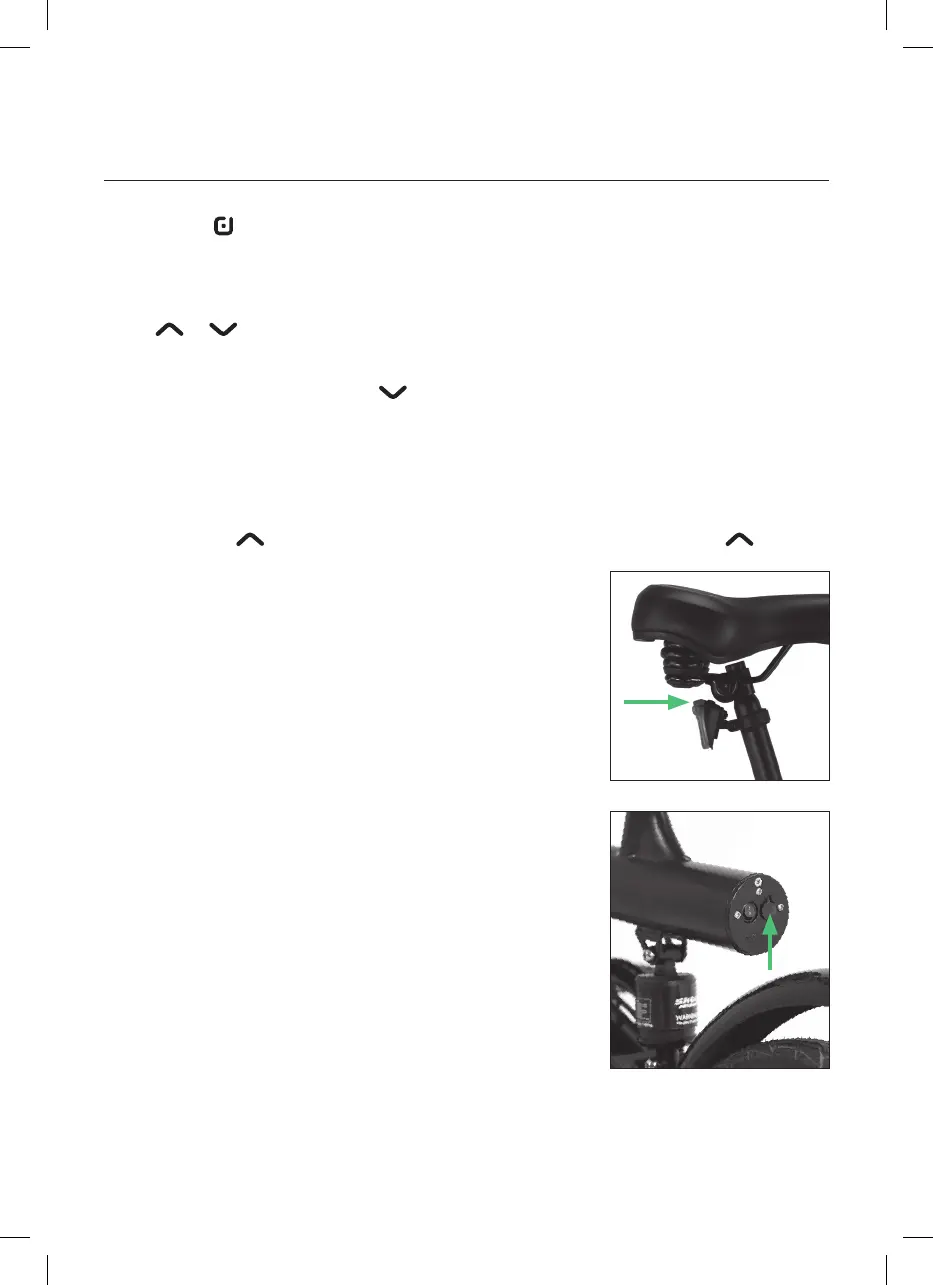
Rear light on/o
The rear light is turned on directly from the power
button above it. Press several times to switch between
the 3 available modes: steady light, flashing light 1 and
flashing light 2.
The tail light is powered by 2 batteries, please remove
the screws and open the cover to change them when
you run out of battery.
Battery charge
When you finish the trip or the battery is running low,
charge it immediately.
First connect the charger to the charging port of the
battery (without connecting it to the socket) and then
to the mains. Connect it to a 220V / 50-60Hz power
supply.
There is an LED indicator on the power supply. The
LED is red when the battery is charging. The LED turns
green when the battery is fully charged.
Recommended charging time: 4-6 hours.
Next to the charging port is the battery on/o button.
After charging, please unplug the input plug (from the wall outlet) first, and then
unplug the output plug (from the bike). The battery charger must have constant



 To Next Page