25
Troubleshooting with pairing problems
> Remove any metallic objects located between the foot control and handpiece.
> Change the position of the foot control.
> Eliminate any sources of interference (e.g. brush motors, mobile telephones, radios, WLAN, ...)
> Use the stick to press the reset button on the foot control and try pairing again.
If the pairing problem cannot be remedied using the steps described above, the unit will need to be inspected by
an authorized Young Dental service partner (see page 43).
Start-up – Pairing
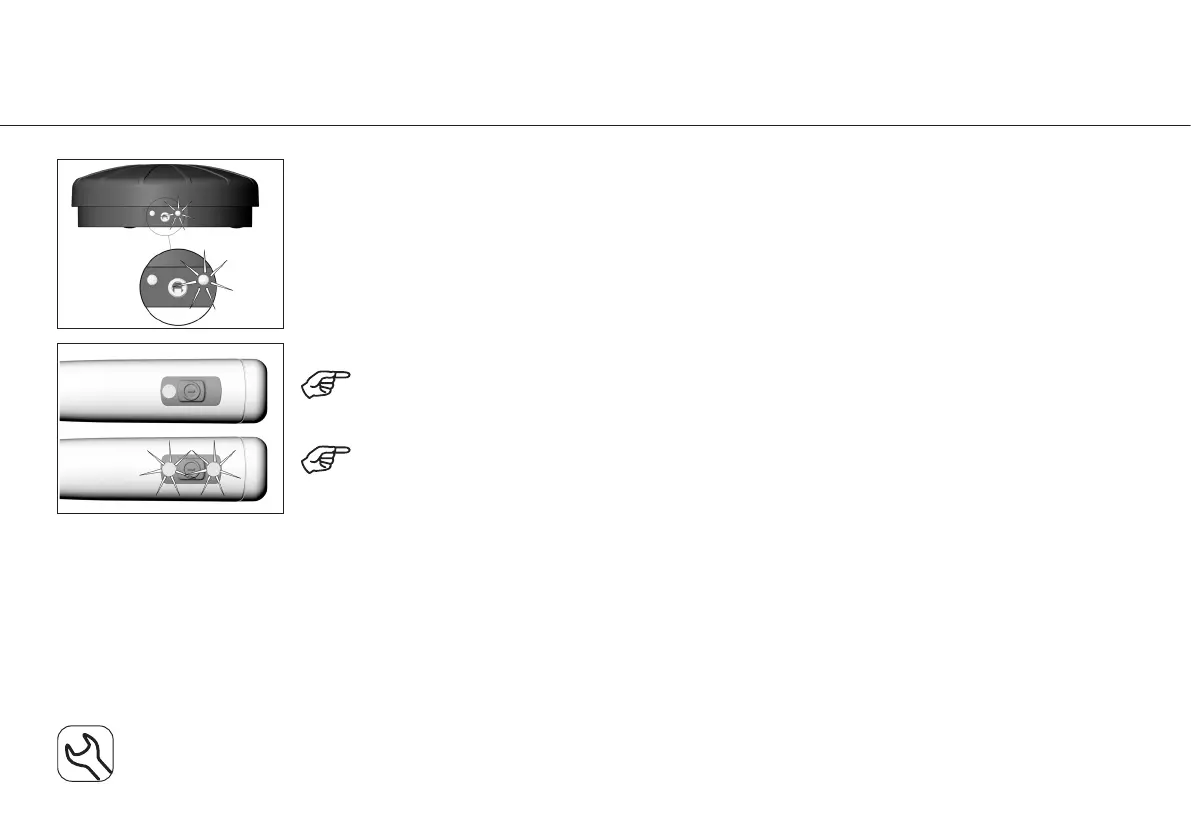
The foot control will remain in pairing mode for 30 seconds - indicated when the green LED light
changes from flickering to flashing.
Pairing successful.
LED green.
Pairing unsuccessful.
LED flashing alternately orange. The LED goes out after 10 seconds.



 To Next Page