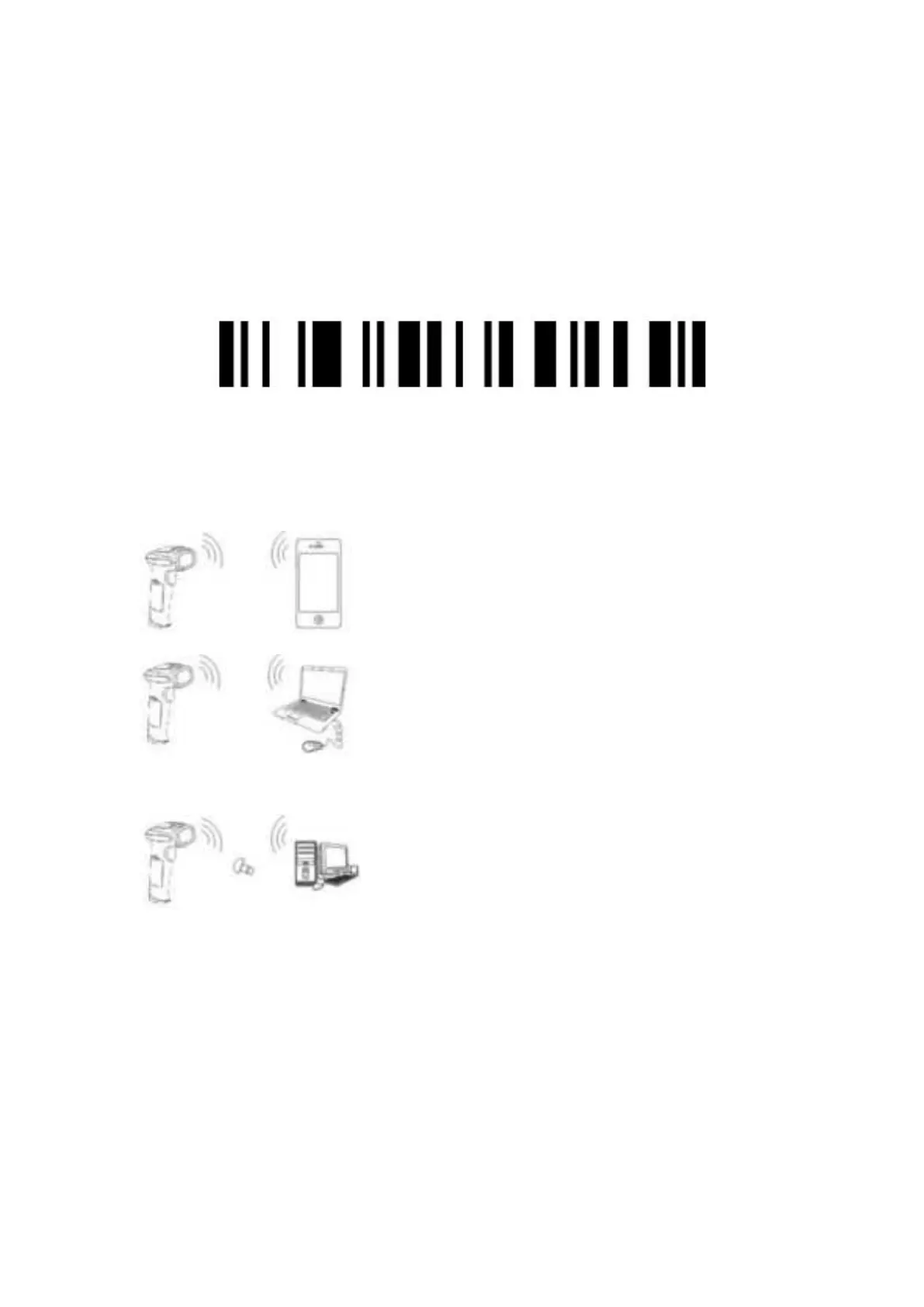
Wireless Mode
The Bluetooth scanner, wireless mode need pair with BT host.
7.How to pair the Bluetooth scanner
Bluetooth restore the default settings
Default
How to pair the Bluetooth scanner with other devices:
Notes:
Start the scanner, the buzzer sounds di, di, di. The red light begins
flashing, waiting for pairing about 30 seconds. Search the “barcode
scanner” on your device, and connect it.
8.Bluetooth scanner HID/SPP Mode
Bluetooth HID Mode*
1. Pair with mobile phones, pads or other
2. Pair with your laptops or use the cable to
connect the Bluetooth scanner.
3.Pair with PC without Bluetooth, you need
add a Bluetooth receiver.


 To Next Page