Using the SCART cable
• Connect one end of the SCART cable into your TV.
• Connect the other end into the TV SCART socket on
your YouView box.
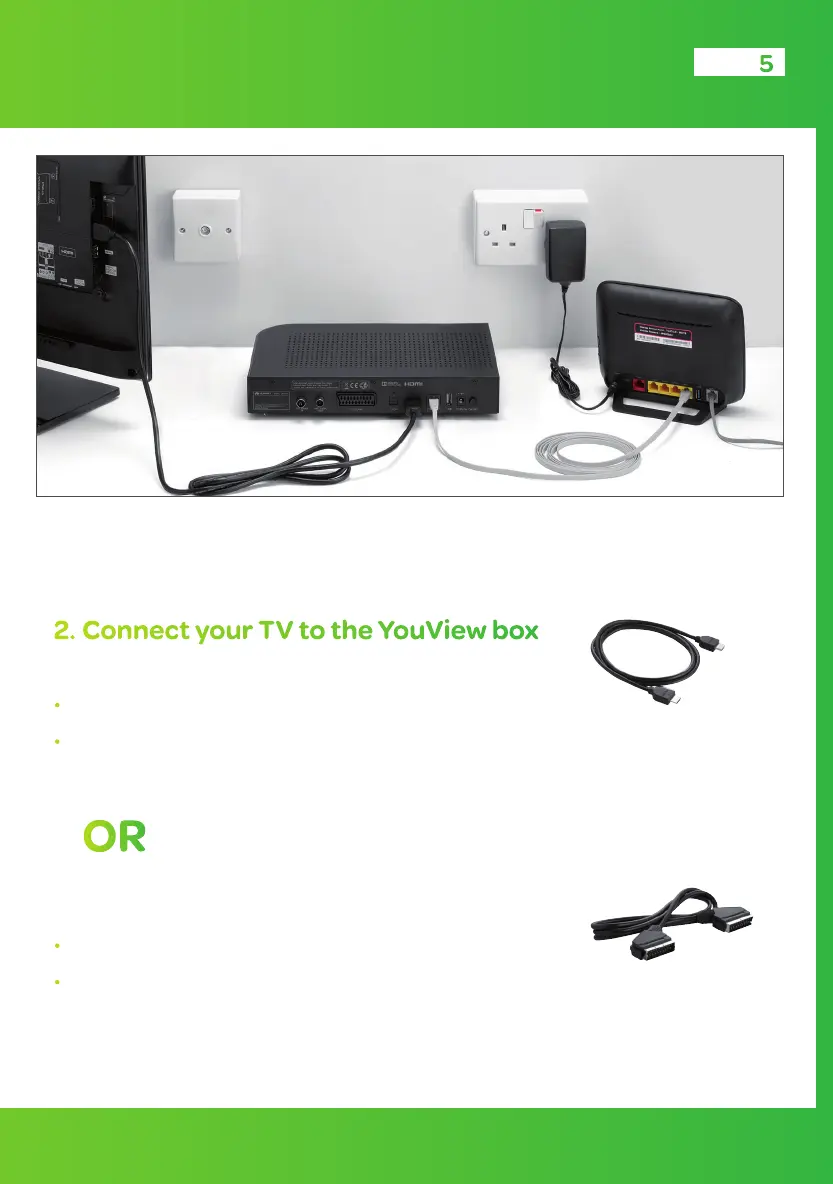
2. Connect your TV to the YouView box
using the HDMI cable
• Connect one end of the HDMI cable into your TV.
• Connect the other end into the HDMI socket on your
YouView box.
OR
Check whether you have a socket at the back of your TV marked HDMI, otherwise you
will need to use the SCART cable.
5
Grey Ethernet cable
HDMI cable
TV
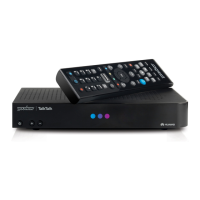
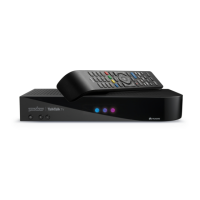
YouView box
HDMI cable
SCART cable


 To Next Page