- 09 -
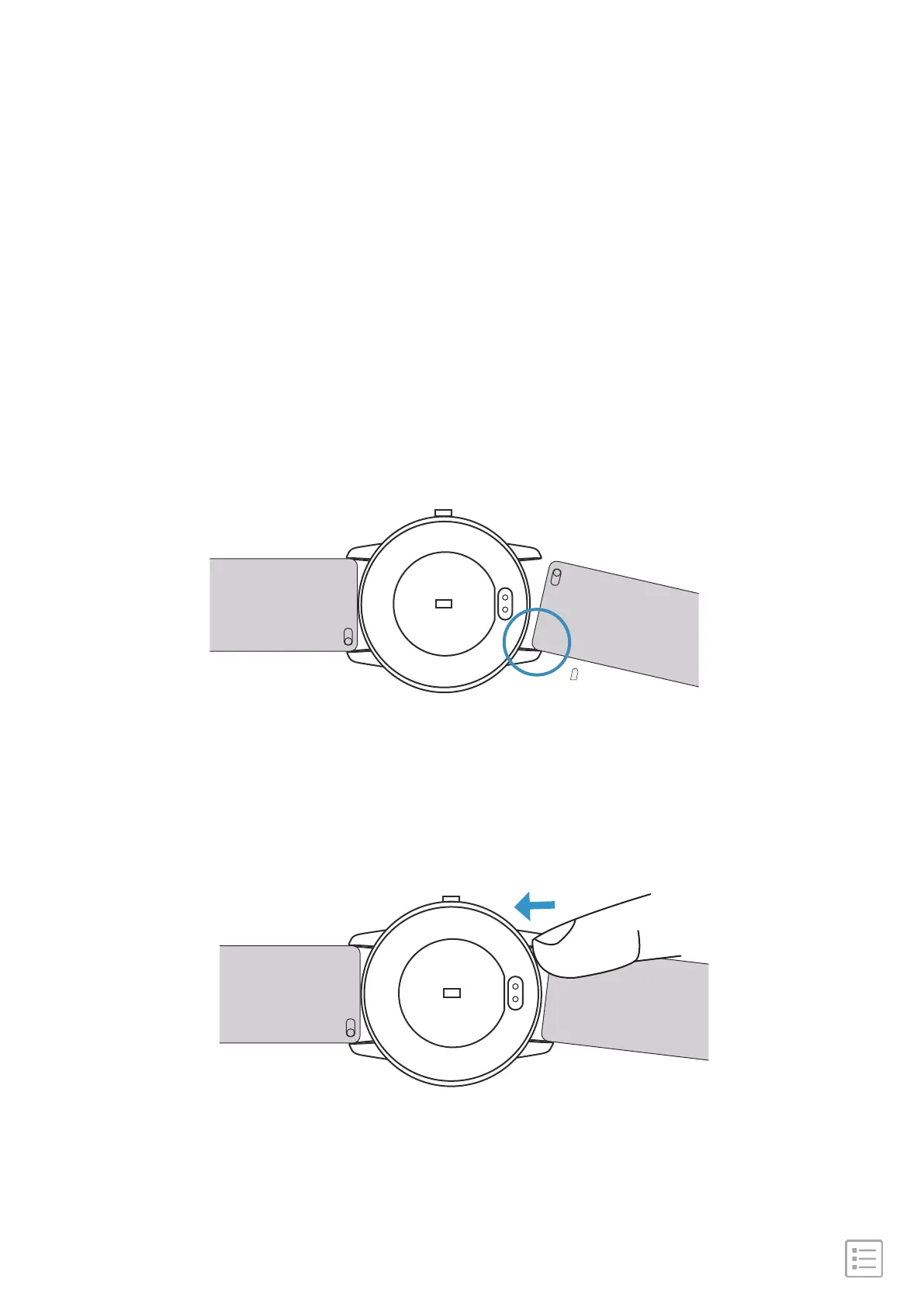
1. Attach the wristband with the clasp to the top of the watch.
Slide the pin (the side opposite the quick-release lever) into the
notch on the watch.
To attach a wristband:
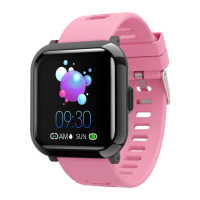
3. When both ends of the pin are inserted, release the quick-release
lever.
2. While pressing the quick-release lever inward, slide the other end of
the wristband into place.
Attach a wristband


 To Next Page