http://www.ysvacuumsealer.com
LID
Press the left and right side at the same time to make
vacuum&seal.
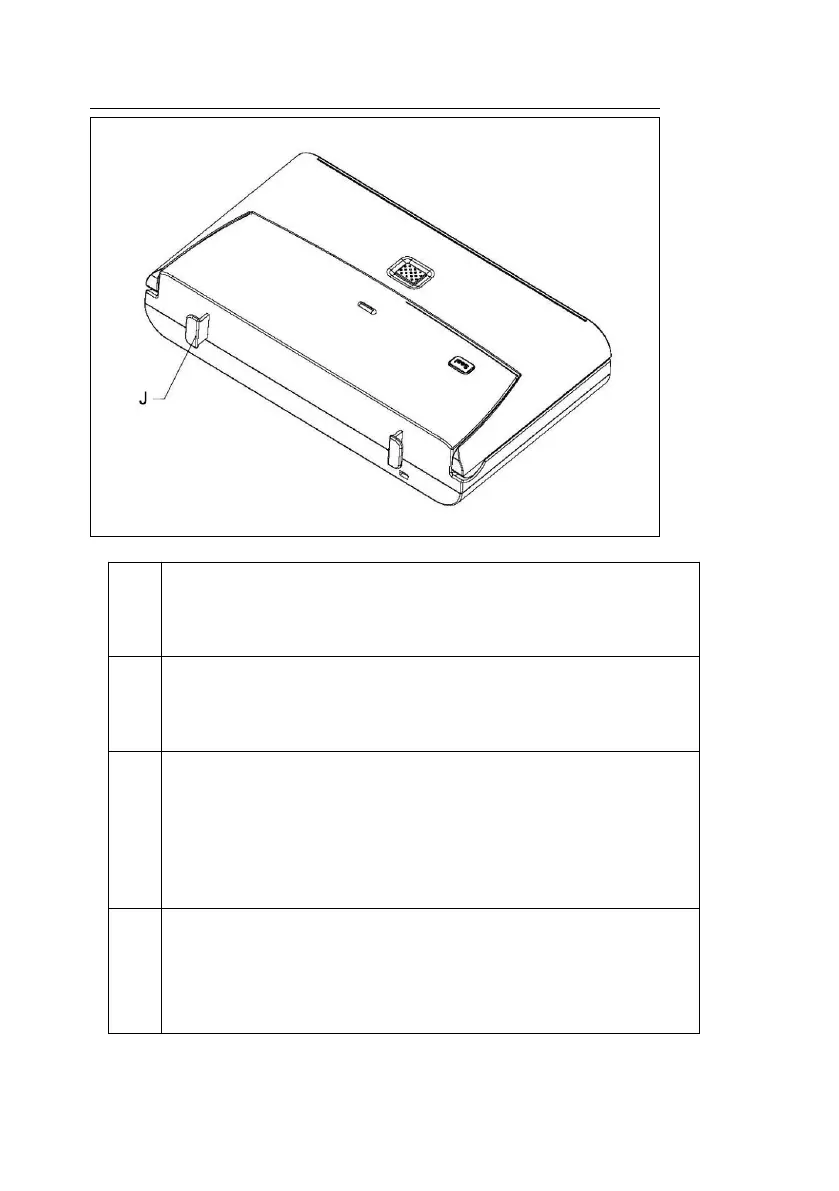
RELEASE BUTTON
When vacuum&seal is done, press this button to release and
open lid then bag can be tanken out.
SEAL BUTTON
Is used when pre-sealing is needed. When user is vacuumizing
delicate foods or food with liquid, press this button with your
thumb while pressing the lid to stop vacuumizing and seal the
bag immediately.
1. When the machine is vacuummizing, the blue indicator light
2. When the machine is sealing, the blue indicator light blinks.


 To Next Page
 Loading...