EasyManua.ls Logo

YUHAO 1109 - User Manual

YUHAO 1109
16 pages
Print Icon
To Next Page IconTo Next Page
Loading...
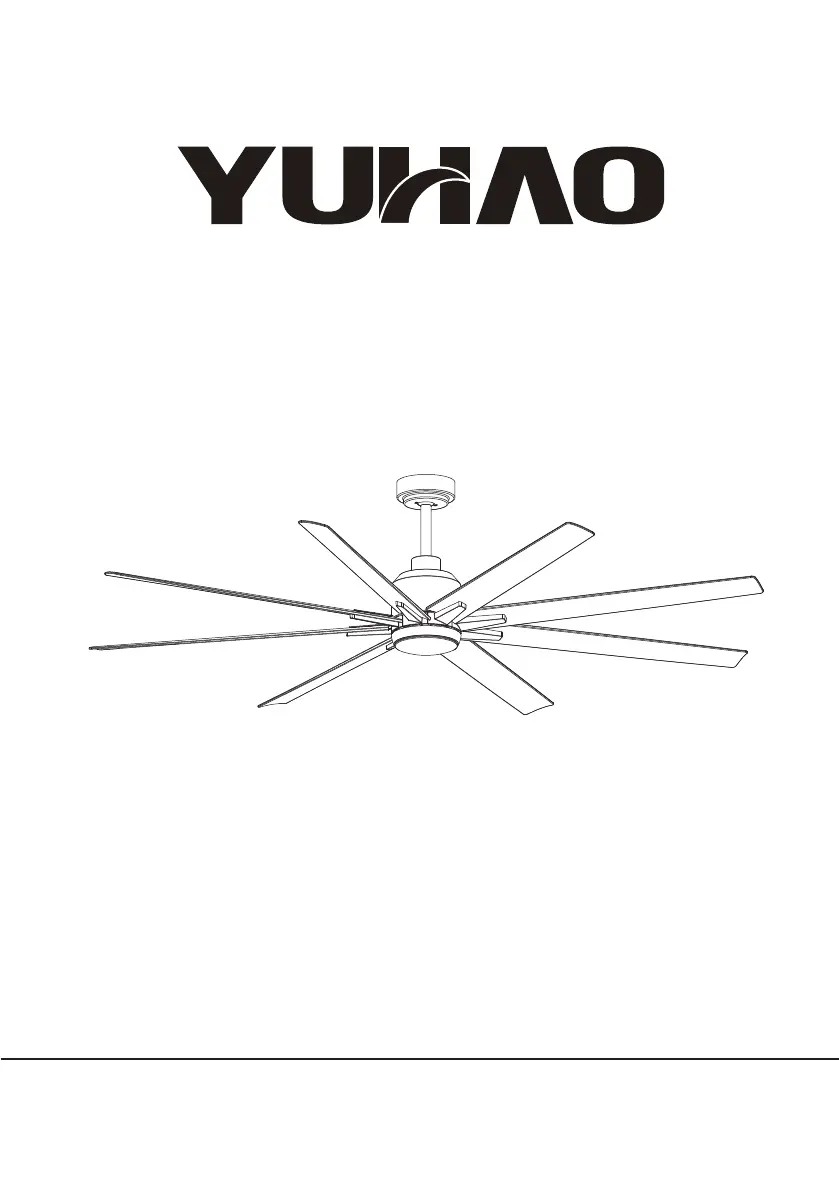
Model No.:1109
Ceiling Fan
Installation Instructions
THANK YOU
We appreciate the trust and confidence you have placed in YUHAO through the
purchase of this ceiling fan.We strive to continually
create quality products designed to enhance your home.Vis sit us online to see our
full line of products available for your home
improvement needs.Thank you for choosing YUHAO!

Questions and Answers

  • P
    patrick20Aug 7, 2025
    What to do if the YUHAO 1109 sounds noisy?
    • P
      proctormeganAug 7, 2025
      If your YUHAO Fan is making noise, there are several things to check: ensure all motor housing screws are snug, the screws attaching the fan blade to the motor hub are tight, and the wire nut connections are not rattling. Allow a 24-hour "breaking-in" period, as most noises disappear during this time. If using a ceiling light kit, make sure the glassware is secured tightly. Also, ensure there is a short distance from the ceiling to the canopy and that your ceiling box is secure, using rubber isolator pads between the mounting bracket and outlet box.
  • J
    John RussellAug 16, 2025
    How to fix a YUHAO 1109 Fan that will not start?
    • A
      Amanda GuerreroAug 16, 2025
      If your YUHAO Fan isn't starting, begin by checking the main and branch circuit fuses or breakers. Next, inspect the line wire connections to the fan and the switch wire connections in the switch housing. Finally, ensure that the frequency switches on both the remote control and receiver are set to the same frequency.
  • A
    Alexander OrtizAug 27, 2025
    Why is the YUHAO 1109 remote control not working?
    • B
      blankenshiprebeccaAug 27, 2025
      If the remote control for your YUHAO Fan is not working, ensure that the fan is not connected to any wall-mounted variable speed controls. Also, verify that the frequency switches are set correctly.

Summary

Safety Precautions

Warranty Information

Pre-Installation

Tools Needed

List of tools required for fan installation.

Installation Kit Components

Components included in the fan's installation kit.

Blade Balancing Kit

Kit provided for balancing fan blades and reducing wobble.

Product Specifications

Technical specifications and parts list for the ceiling fan.

Installation Steps

Step 1: Basic Assembly

Initial assembly steps for fan components, including down rod.

Step 2: Ceiling Bracket Installation

Instructions for mounting the ceiling bracket.

Step 3: Receiver and Wiring

Guide for connecting the receiver and electrical wiring.

Step 4: Blades and Light Kit

Process for attaching fan blades and installing the light kit.

Step 5: Final Testing

Final steps to power on and test the ceiling fan operation.

Remote Control Operation

Troubleshooting and Balancing

Problem Solving

Solutions for common fan issues like not starting or noisy operation.

Wobbling Resolution

Procedures to address fan wobbling and ensure smooth operation.

YUHAO 1109 Specifications

General IconGeneral
BrandYUHAO
Model1109
CategoryFan
LanguageEnglish

Related product manuals