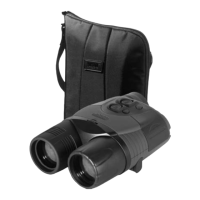
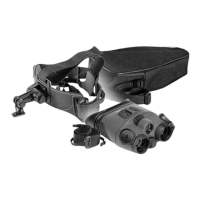
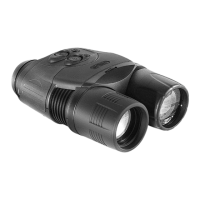
• Always store the RANGER PRO 5x42 in its case.
• Always store the RANGER PRO 5x42 in a dry, well-ventilated area away from heating/air
conditioning vents and other heating devices. Temperature should be greater than +50oF (+10oC), and
humidity should not exceed 70%.
TROUBLESHOOTING
The Table 2 lists possible problems that you may encounter with your equipment. If the equipment
problem is not listed or the corrective actions listed do not correct the issue, notify the manufacturer.
Table 2
PROBLEM TEST OF INSPECTION CORRECTIVE ACTION
1. Monocular fails to activate Visual
Check for defective, missing or
improperly installed batteries or the
battery container.
Turn unit OFF and then ON
Replace or install batteries or the
battery container correctly.
2. IR Illuminator fails to activate The «-» button (10) is in its extreme
position. The sensitivity adjustment
wheel (11) is in its extreme
position.
Press the «+» (9) button and hold
for 5-8 seconds. Adjust sensitivity
of the device.
3. Poor image quality Check the objective lens and
eyepiece, making sure they are
focused according to the
instructions listed in section:
OPERATING INSTRUCTIONS.
Check for fog or dirt on the lens.
Follow the instructions to adjust
the device.


 To Previous Page