EasyManua.ls Logo

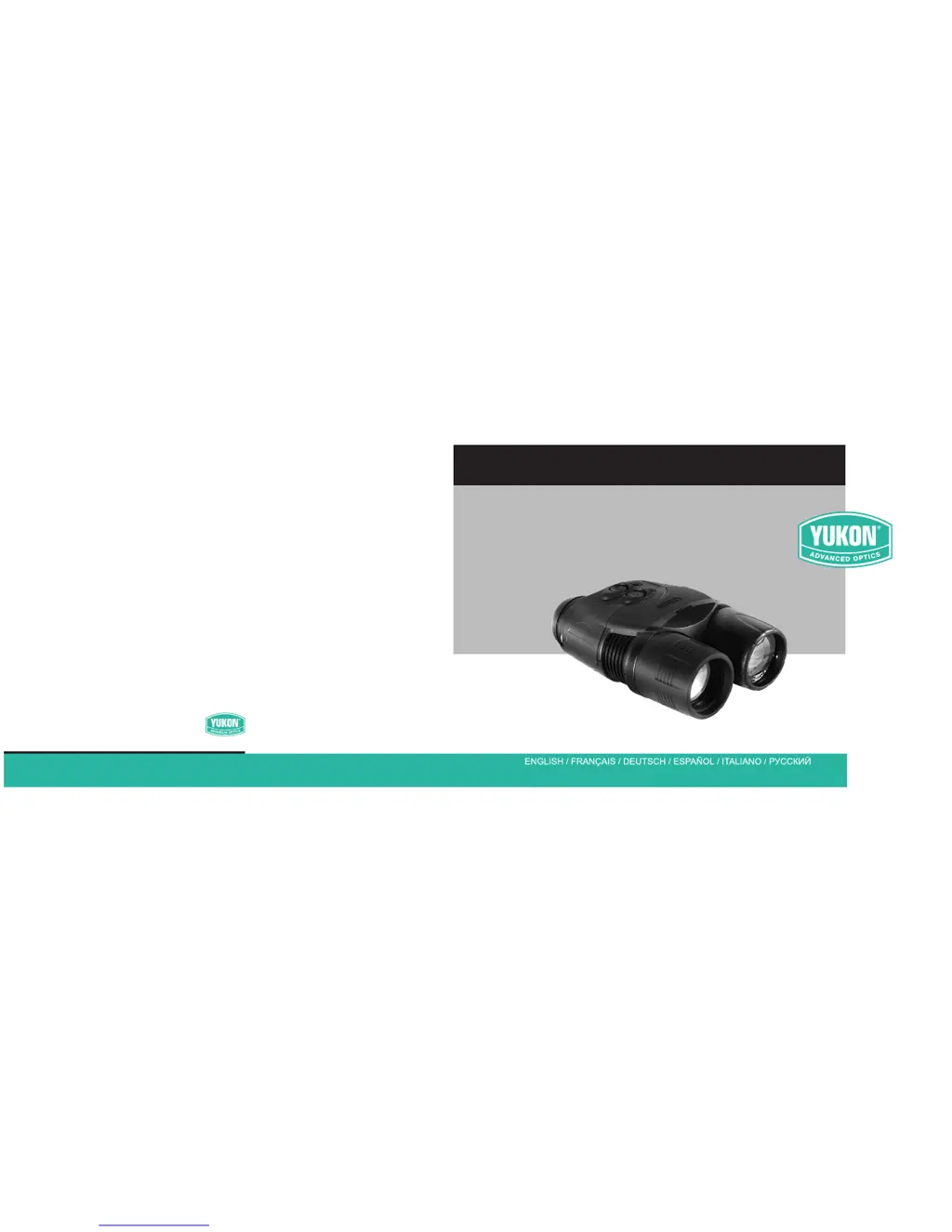
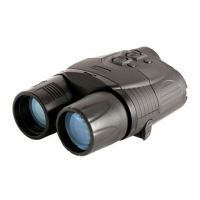
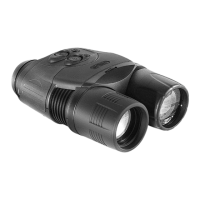
Yukon Ranger Pro 5x42 - User Manual

Yukon Ranger Pro 5x42
26 pages
Print Icon
To Next Page IconTo Next Page
Loading...
I N S T R U C T I O N S
www.yukonopticsglobal.com
Digital Night Vision
RANGER PRO 5x42
Digital Night Vision
RANGER PRO 5x42

Other manuals for Yukon Ranger Pro 5x42

Questions and Answers

  • E
    elizabethperezJul 31, 2025
    Why is the IR Illuminator not activating on my Yukon Ranger Pro 5x42?
    • J
      Jacqueline SanfordAug 1, 2025
      If the IR Illuminator on your Yukon Binoculars isn't turning on, make sure that the «-» button is not in its extreme position. If it is, press and hold the «+» button for 5-8 seconds. Also, check that the sensitivity adjustment wheel is not in its extreme position, and adjust the device sensitivity if needed.
  • C
    christopher10Aug 14, 2025
    What to do if the monocular fails to activate on my Yukon Ranger Pro 5x42 Binoculars?
    • M
      Matthew BowmanAug 14, 2025
      If your Yukon Binoculars monocular won't turn on, first, turn the unit OFF and then ON again. If that doesn't work, replace the batteries or ensure the battery container is correctly installed.

Summary

Product Instructions

Technical Specifications

Operating Manual

Operating Instructions

Details on using the digital night vision device, including setup and operation.

Battery Installation

Step-by-step guide for inserting and replacing batteries in the device.

Device Care and Storage

Sum Light Function and its Peculiarities

Explanation of the Sum Light™ feature and its operational characteristics.

Troubleshooting Guide

Yukon Ranger Pro 5x42 Specifications

General IconGeneral
BrandYukon
ModelRanger Pro 5x42
CategoryBinoculars
LanguageEnglish

Related product manuals