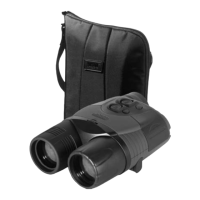
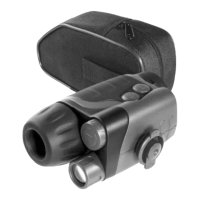
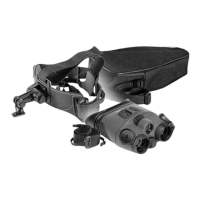
PACKAGE CONTENTS
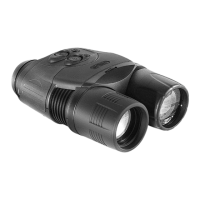
• Digital Monocular RANGER PRO
• Carrying Case
• Neck Strap
• Extra Battery Container
• Variable Power Switching Adapter
• Output Video Cable
• Lens Cleaning Cloth
• Operating Manual
• CD Guide
• Warranty Registration Card
• Car Adapter
For improvement purposes, design of this product is subject to change.
OPERATING MANUAL
The RANGER PRO 5x42 Digital Night Vision Device is designed on the basis of the Ranger 5x42
Night Vision Device. In comparison to the basic model, the RANGER PRO 5x42 features a greater range of
view (up to 600 m) due to a more sensitive CCD array and advanced program technology employed in this
model. The RANGER PRO 5x42 is equipped with a built-in, high power IR-illuminator that has gradual IR
adjustment and memory controller, which provides effective viewing in most night conditions. The unit can be
attached to a standard tripod that uses a 1/4 inch mounting thread. The RANGER PRO 5x42 has a built-in
video-out connector which can be used to pair the device with a monitor or to record video via a recording
device (such as Yukon Mobile Player/Recorder). For the best image quality, it is recommended to set up the
unit on a tripod before attaching the video cables and recording devices. The unit is equipped with a special
connector that allows the RANGER PRO 5x42 to be powered by a 12 volt car outlet. It operates for up to 10
hours using 6 AA batteries. The RANGER PRO 5x42 has an ergonomically-designed, water resistant, durable
plastic body that helps protect the unit and creates versatility.
Yukon's RANGER PRO 5x42 is ideal for the following applications::
• Surveillance


 To Next Page
 General