Mission Flight Mode
To enter Mission planning mode, tap the Mission Route Setting icon[ ] on the top of the
DataPilot™ home screen. The PLAN window will open, allowing users to create Waypoint and
Survey missions, sync missions between desktop, ST16E, and the drone, store/recall missions,
and Center a mission around a particular point on the ST16E screen.
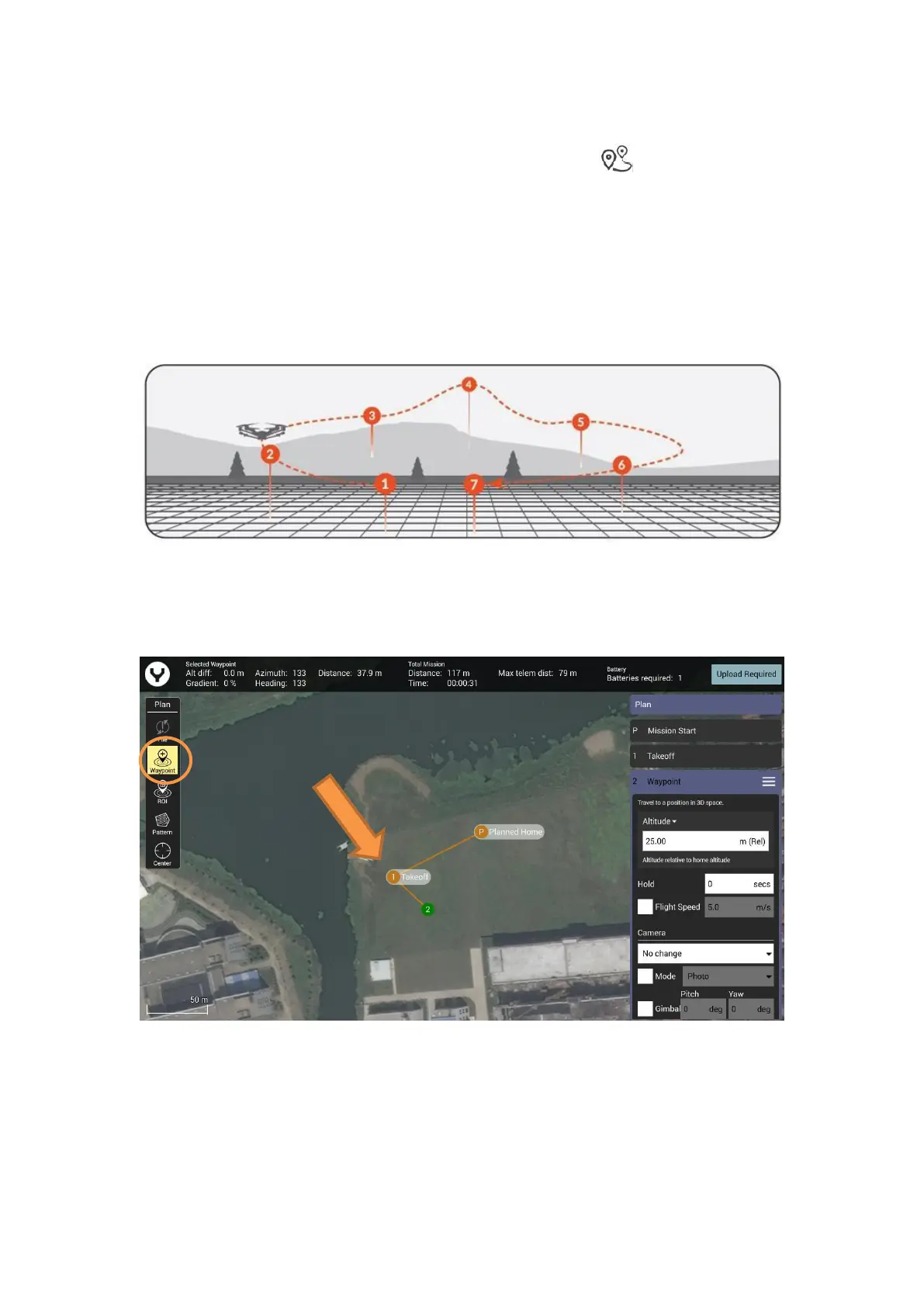
Waypoint
A waypoint defines a specific location and behavior at a specific point in time, allowing for
intelligent auto-functions during flight. Waypoint flight is ideal for capturing oblique images,
perimeter monitoring, and many other uses.
Add Waypoints
After entered the Mission planning mode, select the waypoint function and tap the location on
the screen where the waypoint is needed to add a waypoint.
Adjust the waypoint
Drag the selected waypoint directly to adjust the position roughly. Each waypoint has its own
setting panel for further settings



 To Next Page