Power On/Off
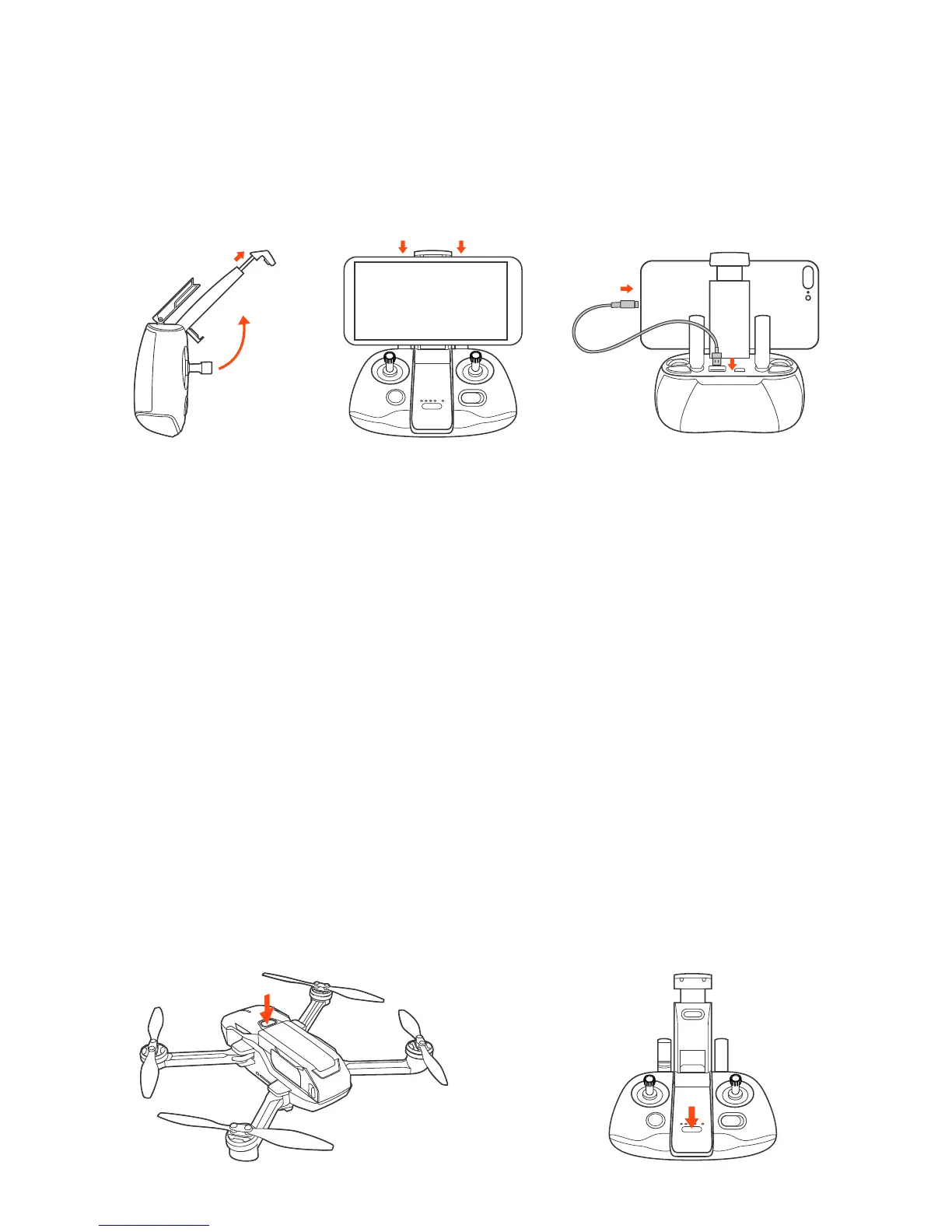
Installing the Smart Device
• Pull out the smart phone holder from the remote controller.
• Put the smart phone on the holder.
• Plug one end of the connecting cable to the standard USB port in the remote
controller, and the other end to the data port of your smart phone.
Press the power button show as below and hold for two seconds to power on/off.



 To Next Page