EasyManua.ls Logo

Z Flash OBD-II - User Manual

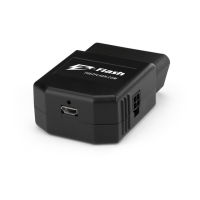
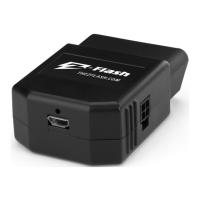
Z Flash OBD-II
6 pages
Print Icon
To Next Page IconTo Next Page
Loading...
USER MANUAL
Gateway Bypass Module
OBD-II Switch
Switch
Hardwire
T-Harness
*Patent Pending TheZFlash.com
Required Accessories for Select Vehicles:
OBD-II SWITCHDODGE
I
JEEP
I
RAM
I
CHRYSLER
Version 1.0
Question and Answer IconNeed help?

Do you have a question about the Z Flash OBD-II and is the answer not in the manual?

Summary

Start Here Guide

Vehicle Bypass Module Requirements

Lists vehicles requiring a security bypass module and references installation pages.

Warranty and Safety Warnings

Details product warranty, installation advice, and critical safety precautions.

OBD-II Module Installation

Using the Switch

Instructions for connecting and operating the Z-Flash module with the physical switch.

Using the Hardwire

Instructions for connecting and configuring the Z-Flash module via the hardwire method.

Gateway Module Installation

Installation for Select Vehicles

Step-by-step guide for installing the security gateway bypass module on specific vehicle models.
T-Harness Installation for Rams

T-Harness Installation for Dodge Challenger

Z Flash OBD-II Specifications

General IconGeneral
BrandZ Flash
ModelOBD-II
CategorySwitch
LanguageEnglish

Related product manuals