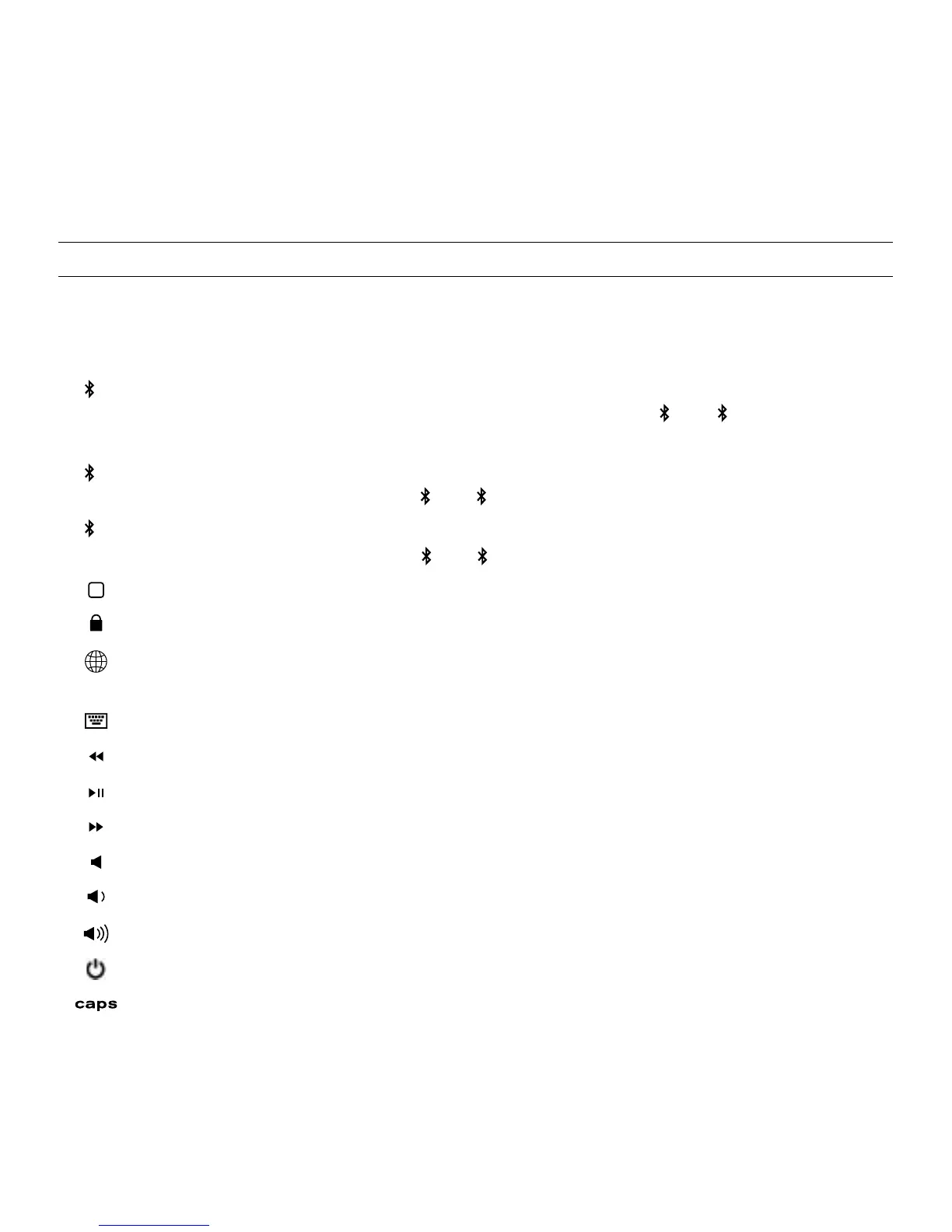
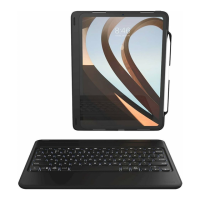
SPECIAL FUNCTION KEYS
Your Rugged Book Pro keyboard has been designed with the following
special function keys to give you more control over your favorite devices:
BLUETOOTH 1 –
Pairs your Rugged Book Pro with your preferred device. If you
have paired with a second or third device (see below) press or to instantly
switch between devices.
BLUETOOTH 2 – Pairs your Rugged Book Pro to a second device. If you have
paired with other devices press or to instantly switch between them.
BLUETOOTH 3 – Pairs your Rugged Book Pro to a third device. If you have
paired with other devices press or to instantly switch between them.
HOME – Displays your device’s home screen.
LOCK – Activates and deactivates your device’s sleep mode.
LANGUAGE SYMBOL - Toggles between keyboard languages (if active on
your device).
KEYBOARD HIDE/SHOW – Hides or shows your device’s on-screen keyboard.
PREVIOUS TRACK – Skips to the previous track on your selected playlist.
PLAY/PAUSE – Starts or pauses your current playlist.
NEXT TRACK – Skips to the next track on your selected playlist.
MUTE – Mutes your device’s audio.
VOLUME DOWN – Decreases your device’s volume.
VOLUME UP – Increases your device’s volume.
POWER – Turns your Rugged Book Pro keyboard on and o.
CAPS LOCK – Activates the Caps Lock feature. When Caps Lock is on a blue
indicator light will remain lit until it is turned o. To turn Caps Lock o, press
Caps again.
4
To help preserve battery life, your Rugged Book Pro will enter sleep
mode if left on and not used for several minutes; press any key to wake
it. The Rugged Book Pro’s battery has no memory and may be charged
whenever you wish. For optimal battery life, turn your Rugged Book Pro
o when not in use for a prolonged time.
1
1
1
2
2
2
3
3
3
3


 To Next Page