14
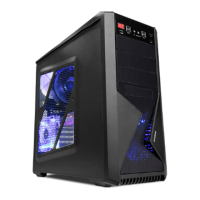
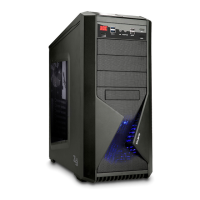
Z9 Series
② Fan Control, Temperature Display connection
▶ Fan Controller: After connecting the 4-Pin Power cable, connect Fans
to Fan Connector.
▶ Temperature Display: After connecting 4-Pin Power, locate temperature
sensor in desired location. (The sensor is for the case’s internal
temperature readings.)
Fan Controller Temperature Display
PSU Power PSU Power
Temperature
Sensor
Fan Fan
2) Front Panel I/O Port Cable
Motherboard
Front Panel I/O Port
Tip
▶ To connect USB 2.0 audio cables, please refer to the motherboard manual.
▶ When the +/- polarities are reversed, the LED’s will not function.
▶ USB3.0 port is available as option by model
① Front Panel I/O Port connection
HD Audio
Audio
USB 2.0 USB 3.0
or
USB 3.0
Reset
HDD LED


 To Next Page
 Loading...