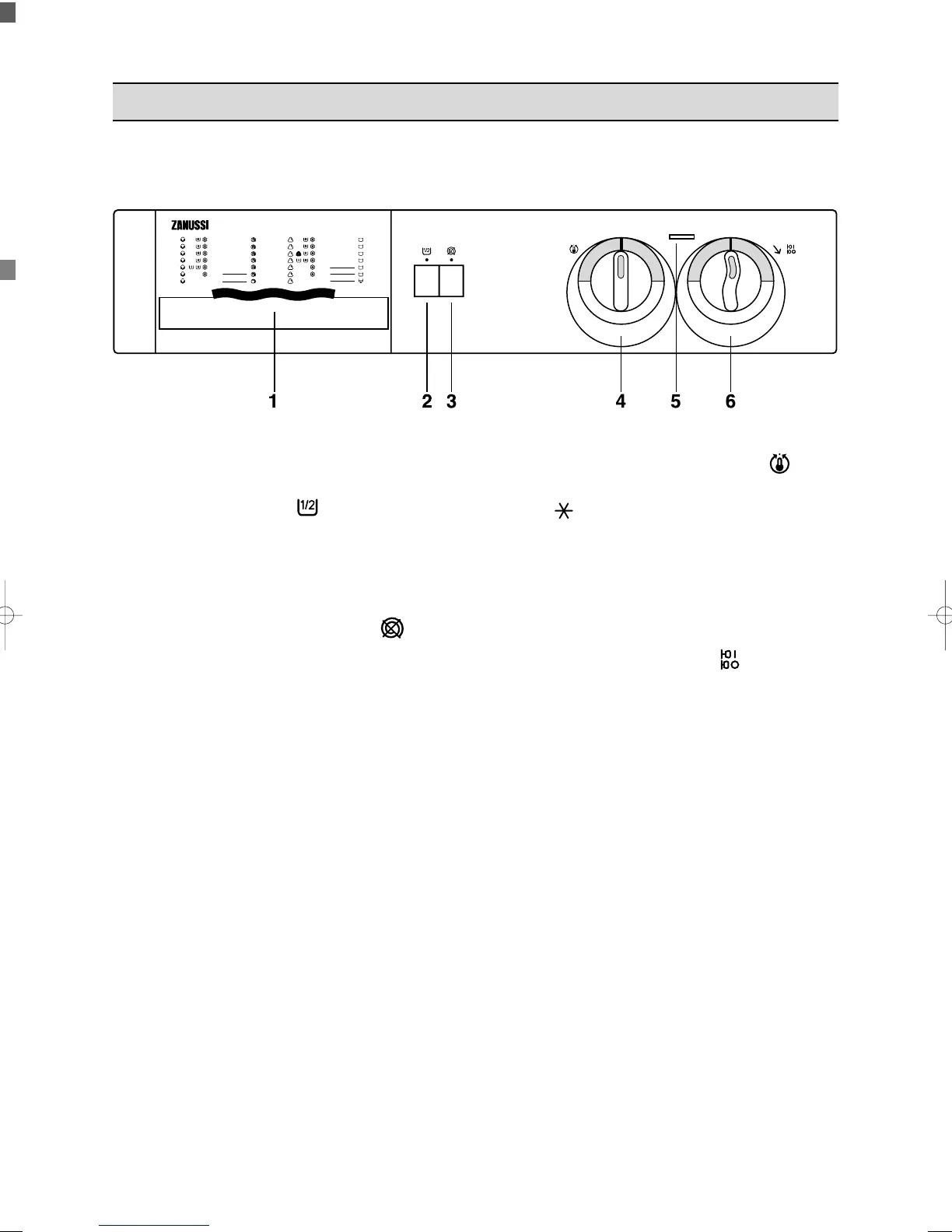
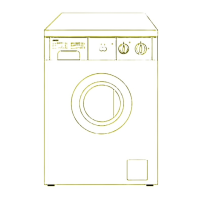
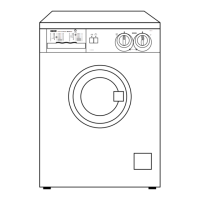
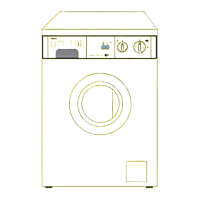
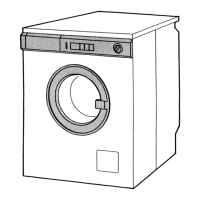
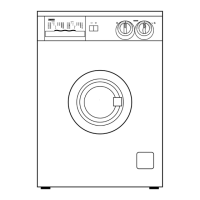
1 Detergent dispenser drawer
2 Half load button
Select this button to reduce water consumption
on the rinse cycle when washing a half load of
cottons or linens.
The machine will carry out 3 rinses instead of 4.
3 Spin suppression button
Depress this button when you have to wash
particularly delicate cotton or linen items in order
to exclude all the spinning phases.
4 Temperature selector dial
Turn this dial to select the washing temperature.
Position = cold wash.
5 Operating pilot light
This light is on whilst the machine is operating
and goes out at the end of the programme.
6 Programme selector
dial / ON-OFF switch
To select the required programme, turn this dial
clockwise until the programme letter is exactly
opposite the pointer.
Pull the dial outwards to start the machine.
Depress the dial to interrupt a programme and to
switch the machine off.


 To Next Page