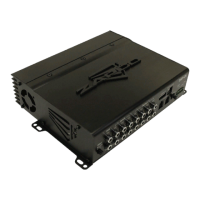
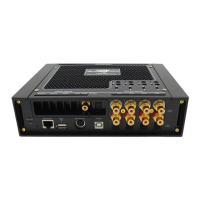
Power / Input End
1
6
7
8
9
3
4
5
Control / Output End
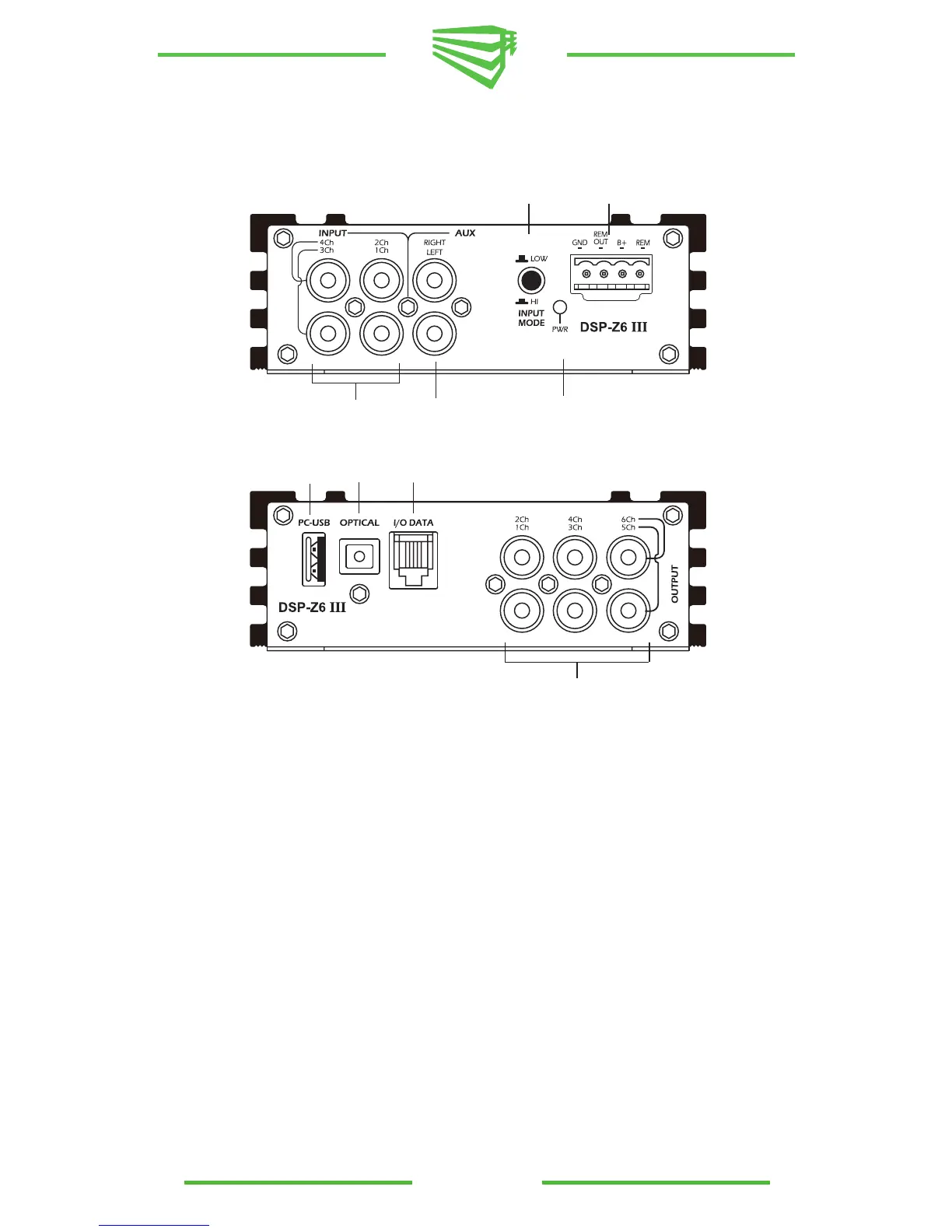
1) Main RCA Inputs- Six channels of input are available through RCA connectors*.
2) RCA Outputs- 4 sets of RCA Connectors provide eight channels of output.
3) USB Port- Like all Zapco DSP products, the DSP-Z8 has a USB port to interface with a PC for all DSP
programming functions. Always use the supplied USB Cable
4) Auxiliary Input- A pair of RCA connectors provide a preamp level auxiliary input
5) Data Connector- The RG connectors provides Data input for a dash remote
6) Power Connector- 4-Pin Provides Power, Ground, +12V Rem Turn-On, and Aux +12 volt out **
7) Input Level selector- The Low level for preamp or digital input or Hi level for OEM speaker level
input
8) Optical input- Digital Input for SPDIF optical connector (Toss-Link cable)
9) Power-on Indicator LED
* Note: To use speaker level inputs from a factory stereo, simply attach RCA plugs to the factory
speaker wires (up to a 22v signal). Assure that the DSP or amplifier is in High Level input mode and
attach the speaker wires at the RCA receptacles.
** Note: The Zapco DC Series also has DC-offset sensing for automatic turn-on. If you use speaker level
inputs from a factory stereo the DC product will turn on automatically and also provide +12v trigger output
to turn on other components.
Power / Input End
2
Control / Output End
DSP-Z6 III Connections
11


 To Next Page
 Loading...