after the is displayed on the screen then
press the key to switch the duplex of the
main channel to DUP+ and DUP –or close the
duplex.
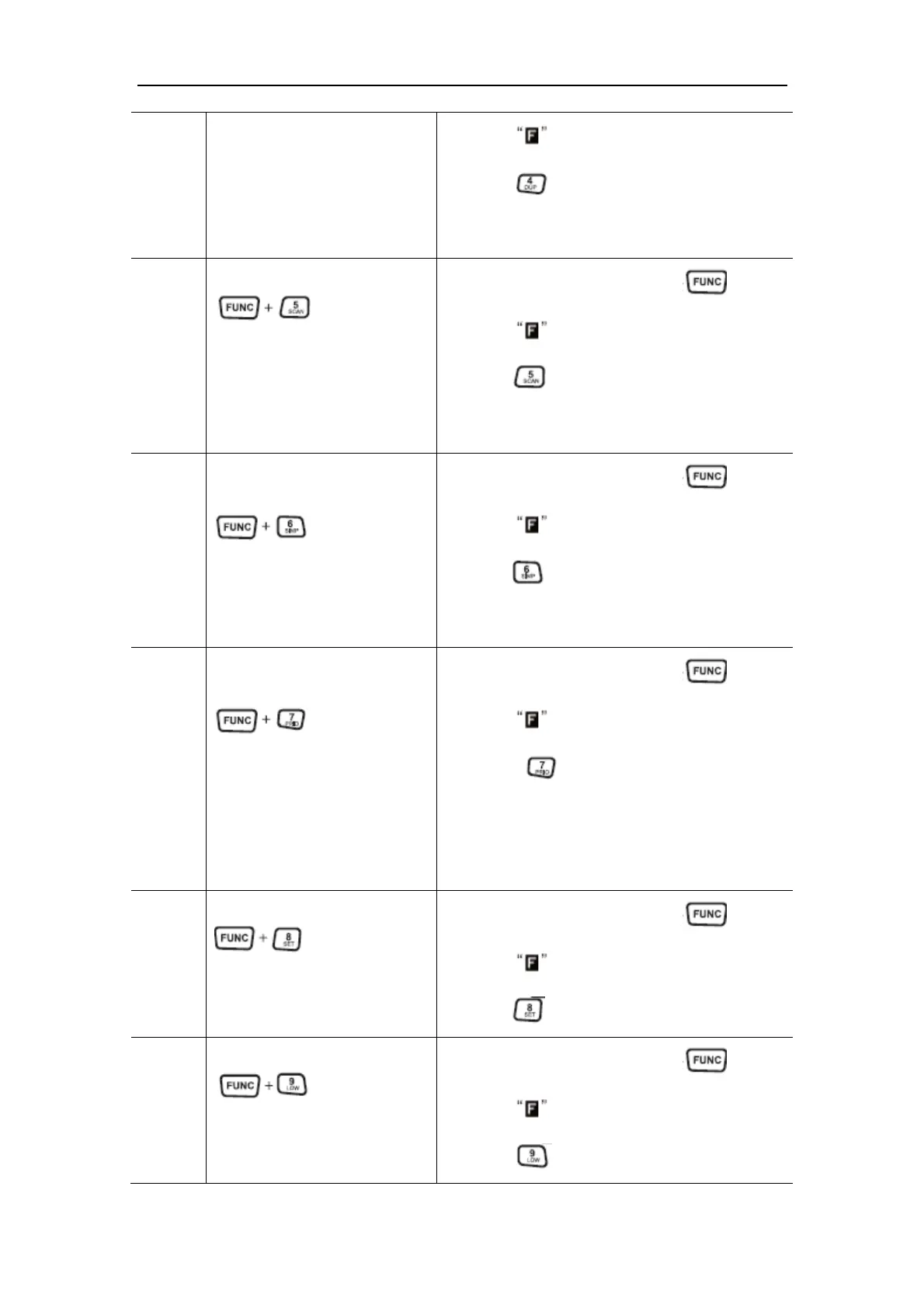
5 Start the Scan Operation
Under the standby mode, press the key first,
after the is displayed on the screen then
press the key to start the frequency scan of
the main channel, channel scan, or other functions
of the frequency search.
6 Mode Switch of the Single
Band/ Dual Band
Under the standby mode, press the key first,
after the is displayed on the screen then
press the key to switch the vehicle mounted
station’s operation mode to single-band or dual
band mode.
7 Start the Double Waiting
Operation
Under the standby mode, press the key first,
after the is displayed on the screen then
press the key start the double waiting
function of the main channel in modes of frequency
and channel.
Marks: The function can not be started as there is
no channel setting with the mian channel.
8 Enter the Menu Mode
Under the standby mode, press the key first,
after the is displayed on the screen then
press the key to enter the menu mode.
9 High and Low Power Switch
Under the standby mode, press the key first,
after the is displayed on the screen then
press the
key to switch the main channel’s


 To Next Page
 Loading...