6
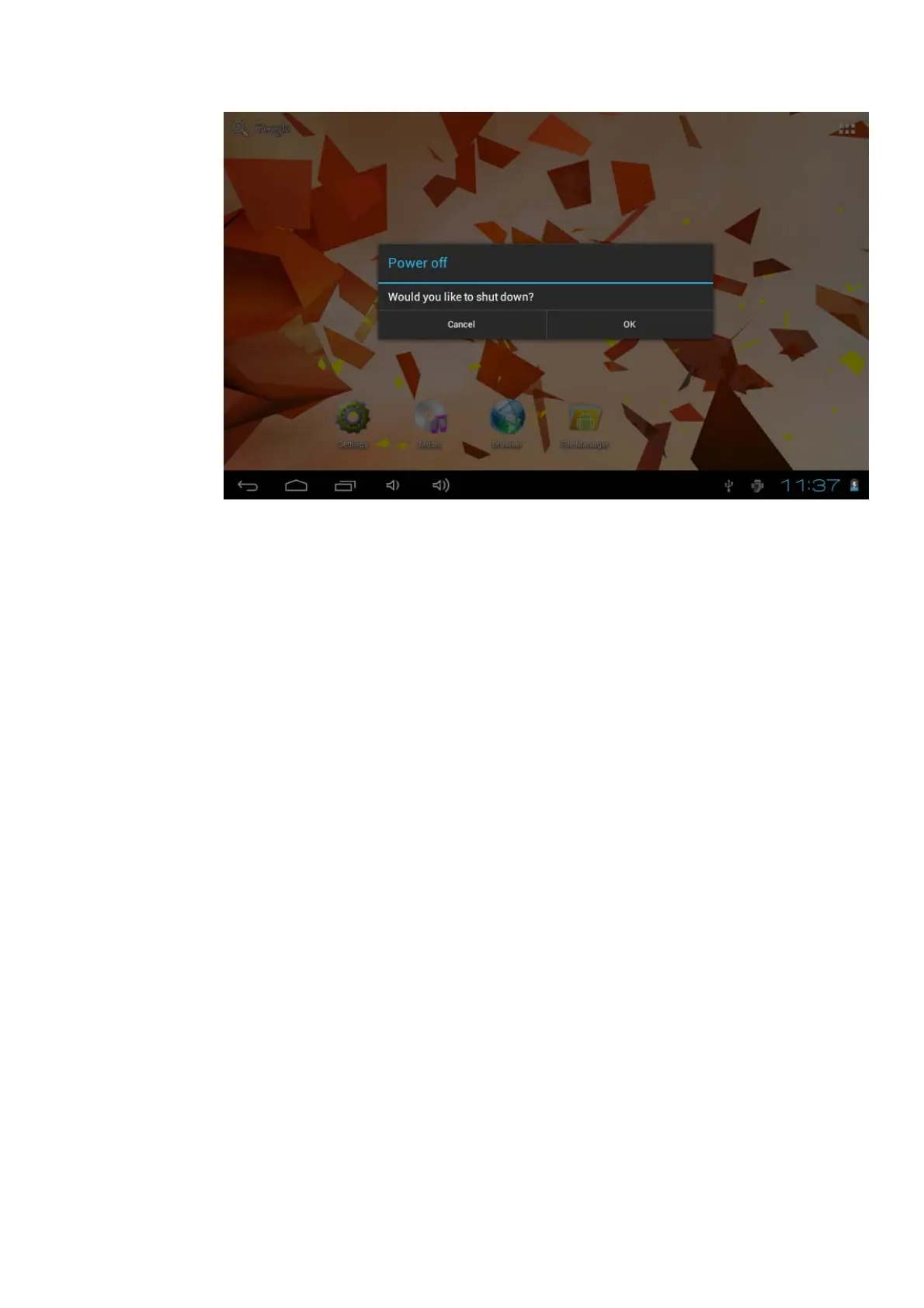
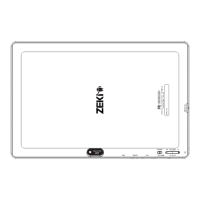
Picture 3-1
3.3 Open and Close the Screen
Screen will be closed on its own when no operation happens.
1. Screen will be closed on its own if no operation happens for some time to
save battery power.
2. When screen is open, press Power key, the screen will be closed
immediately.
Open the screen when it is closed.
If the screen is closed, short press Power to open the screen. The screen will be
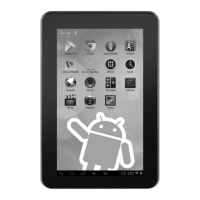
locked as Picture 3-2 after opening it, hold “lock” icon via finger or touch pens and slid
up it to camera, as Picture 3-3.


 To Next Page