EasyManua.ls Logo

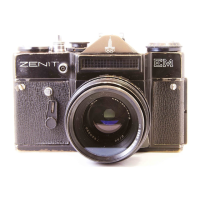
Zenit EM - Shooting and Focusing

Zenit EM
23 pages
Print Icon
To Next Page IconTo Next Page
To Previous Page IconTo Previous Page
Loading...
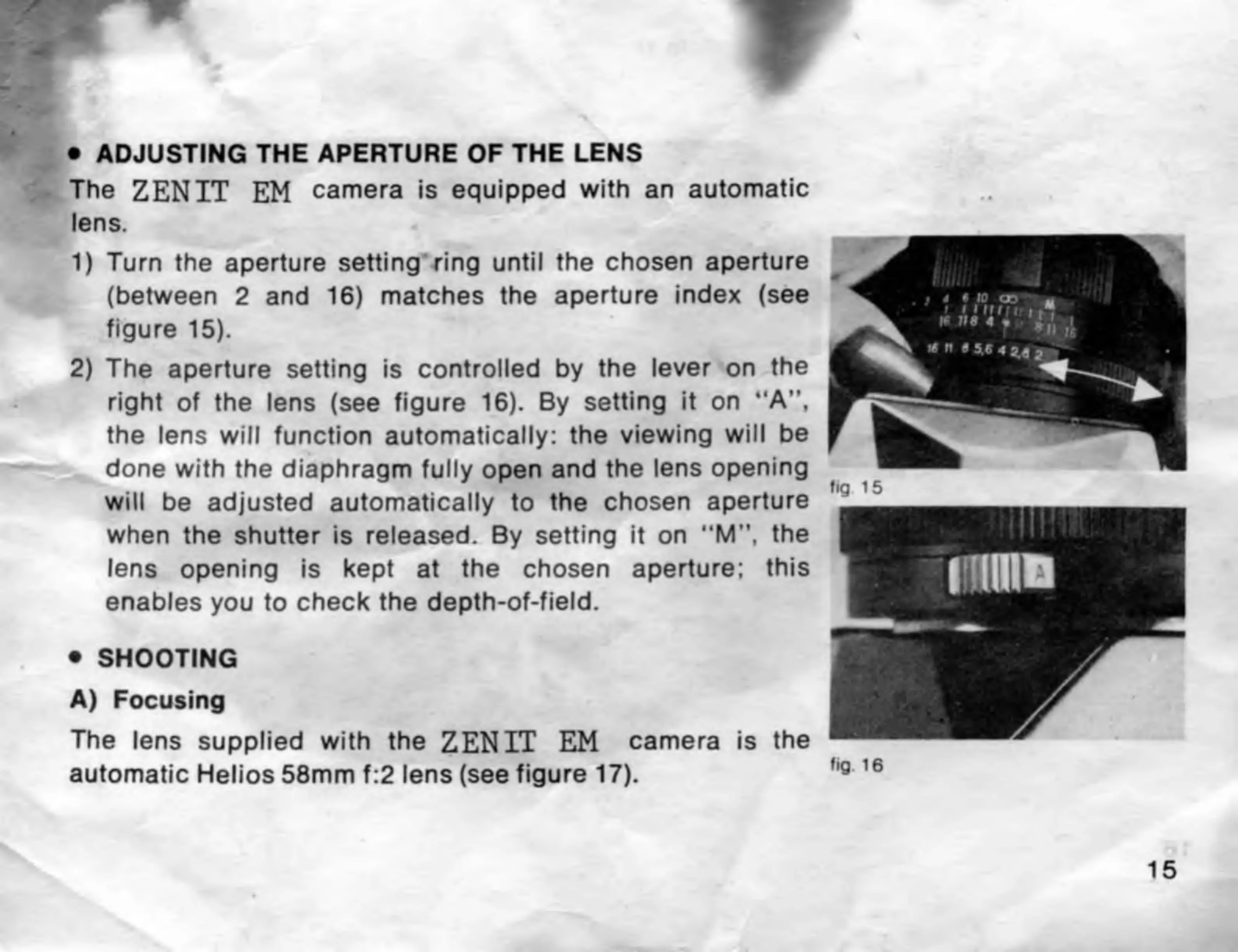
ADJUSTING
THE
APERTURE
OF
THE
LENS
The
ZENIT
EM
camera
is
equipped
with
an
automatic
lens.
1)
Turn
the
aperture
setting
ring
until
the
chosen
aperture
(between
2
and
16)
matches
the
aperture
index
(see
figure
15).
2)
The
aperture
setting
is
controlled
by
the
lever
on
the
right
of
the
lens
(see
figure
16).
By
setting
it
on
“A”,
the
lens
will
function
automatically:
the
viewing
will
be
done
with
the
diaphragm
fully
open
and
the
lens
opening
will
be
adjusted
automatically
to
the
chosen
aperture
when
the
shutter
is
released.
By
setting
it
on
“M”,
the
lens
opening
is
kept
at
the
chosen
aperture:
this
enables
you
to
check
the
depth-of-field.
SHOOTING
A)
Focusing
The
lens
supplied
with
the
ZENIT
EM
camera
is
the
automatic
Helios
58mm
f:2
lens
(see
figure
17).
fig
16
15

Related product manuals