EasyManua.ls Logo

Zenit EM - Page 14

Zenit EM
23 pages
Print Icon
To Next Page IconTo Next Page
To Previous Page IconTo Previous Page
Loading...
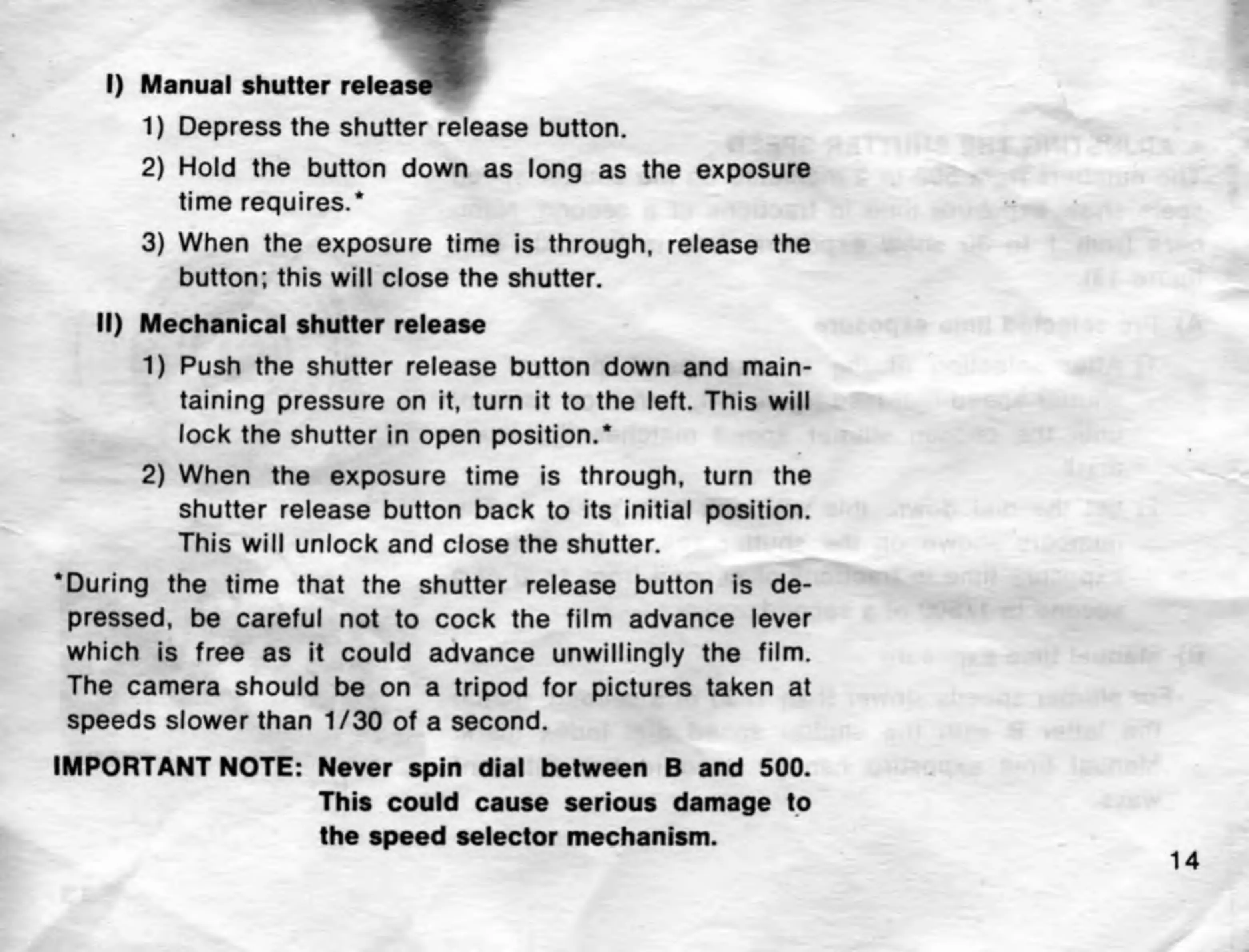
I)
Manual
shutter
release
-
1)
Depress
the
shutter
release
button.
2)
Hold
the
button
down
as
long
as
the
exposure
time
requires.*
3)
When
the
exposure
time
is
through,
release
the
button;
this
will
close
the
shutter.
II)
Mechanical
shutter
release
1)
Push
the
shutter
release
button
down
and
main¬
taining
pressure
on
it,
turn
it
to
the
left.
This
will
lock
the
shutter
in
open
position.*
2)
When
the
exposure
time
is
through,
turn
the
shutter
release
button
back
to
its
initial
position.
This
will
unlock
and
close
the
shutter.
‘During
the
time
that
the
shutter
release
button
is
de¬
pressed,
be
careful
not
to
cock
the
film
advance
lever
which
is
free
as
it
could
advance
unwillingly
the
film.
The
camera
should
be
on
a
tripod
for
pictures
taken
at
speeds
slower
than
1/30
of
a
second.
IMPORTANT
NOTE:
Never
spin
dial
between
B
and
500.
This
could
cause
serious
damage
to
the
speed
selector
mechanism.

Related product manuals