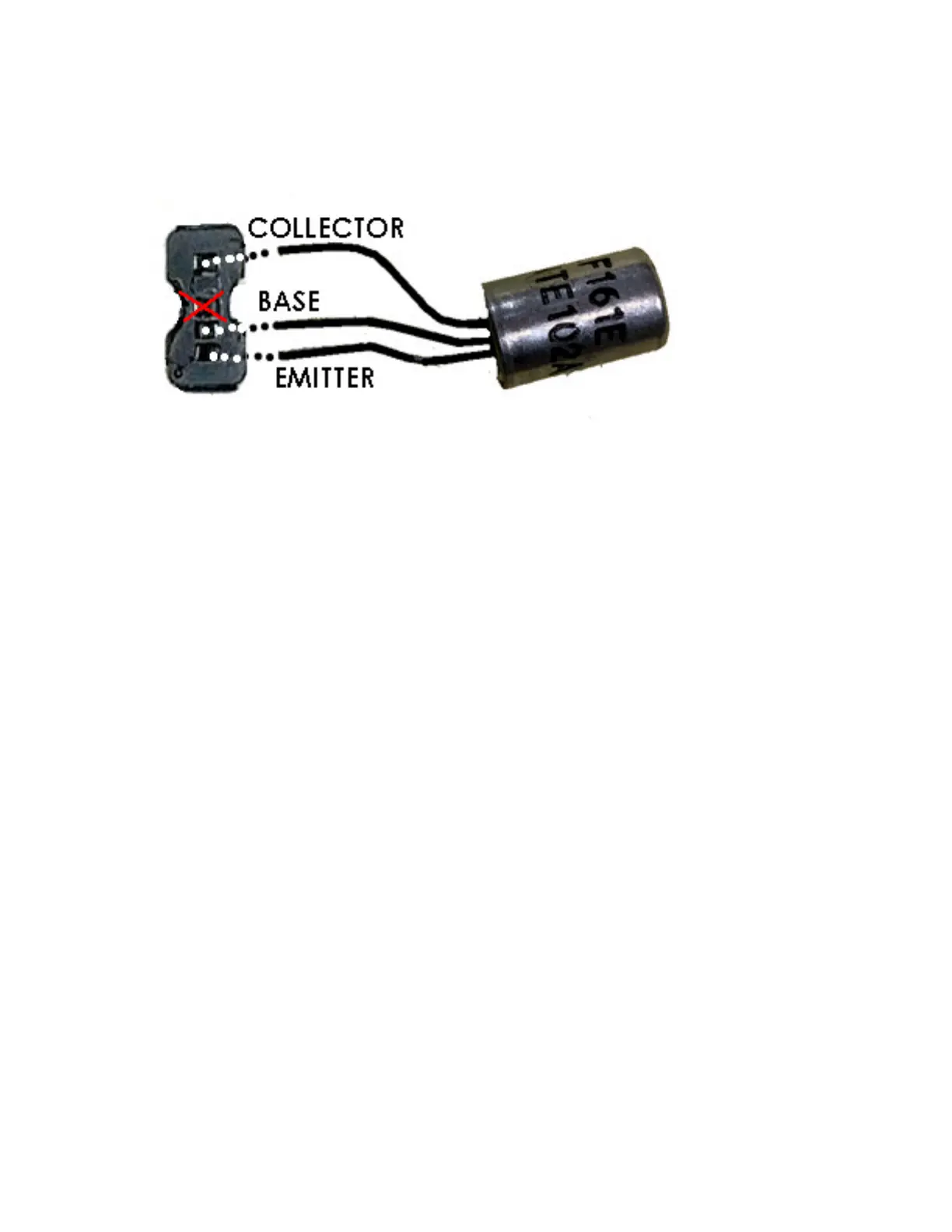
Some sockets may have spaces for four pins. If you encounter a 4-pin socket,
install the transistor as shown below.
As with the 3-pin socket, when the pins are aligned with the socket spaces,
gently push the transistor in as far as it will go.
If using replacement transistors other than NTE, refer to the manufacturers data
sheet to identify the base, collector, and emitter. Once you have identified the
pins correctly, you can install the new transistor into the socket following the
guide for the NTE transistors.
Be careful when installing the battery box that you do not bump the transistors,
as this could cause the pins to come into contact with each other or short against
the chassis.



 To Previous Page