EasyManua.ls Logo

Zenith B25A10Z - Language Options

Zenith B25A10Z
30 pages
Print Icon
To Next Page IconTo Next Page
To Previous Page IconTo Previous Page
Loading...
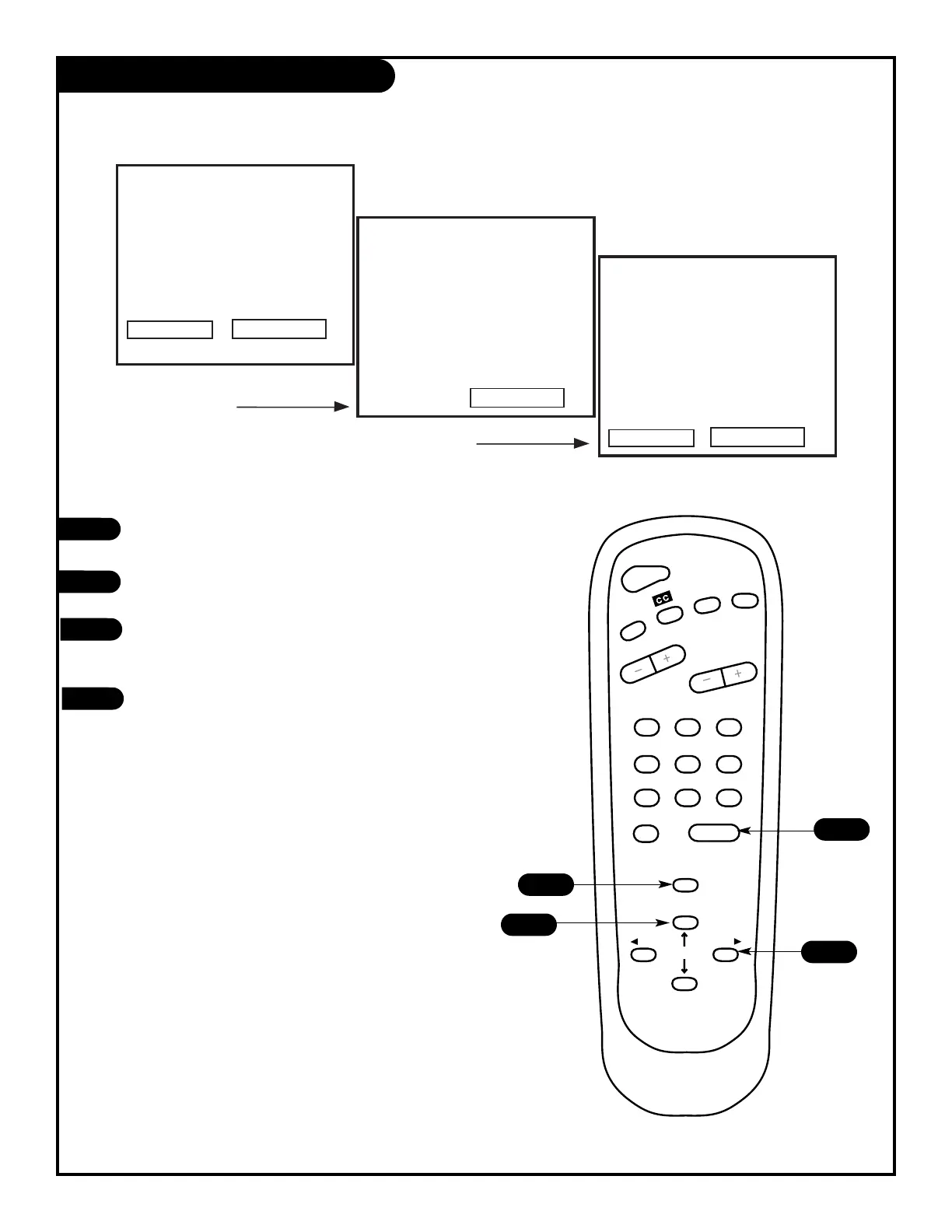
Press the MENU key on the remote control so that
the Setup menu appears.
Using the UP/DOWN arrows on the remote control,
select Language on your screen.
Press a RIGHT/LEFT arrow to choose any of the
following options: English, Spanish,
or French.
Press ENTER to return to regular TV viewing.
1
2
3
4

123
456
7
0
8
ENTER
9
POWER
TIMER
FLSHBK
MUTE
VOLUME
CHANNEL
MENU
ADJ ADJ
SELECT
4
1
2
3
Language Options
Choose the language you want all of the menus to appear in.
206-3476
PAGE 22
Setup Menu
Auto Program
Ch. Add/Del
Clock Set
Timer Setup
Parental Ctrl
Caption/Text
Audio Mode
Language
English
Menu Config
Autprograma
Agr/Borr Can
Ajuste Reloj
Apagador Aut
B;oquear TV
Subtit/Texto
Modo Audio
Language
Spanish
Menu Regl.
Progr. Auto
Ajou-Sup Ca.
Reg. Pendule
Regl. Minut.
Blocage TV
Sous/Titr/Tx
Mode Audio
Language
French

Other manuals for Zenith B25A10Z

Related product manuals