36
NOTES:
• Signal meter feature is not
available for analog channels.
• After 240 seconds, SIGNAL
METER screen will return to
normal TV-operation automatically.
Checking the Digital-signal strength
This unit will allow you to view
the digital signal meter for
digital channels.
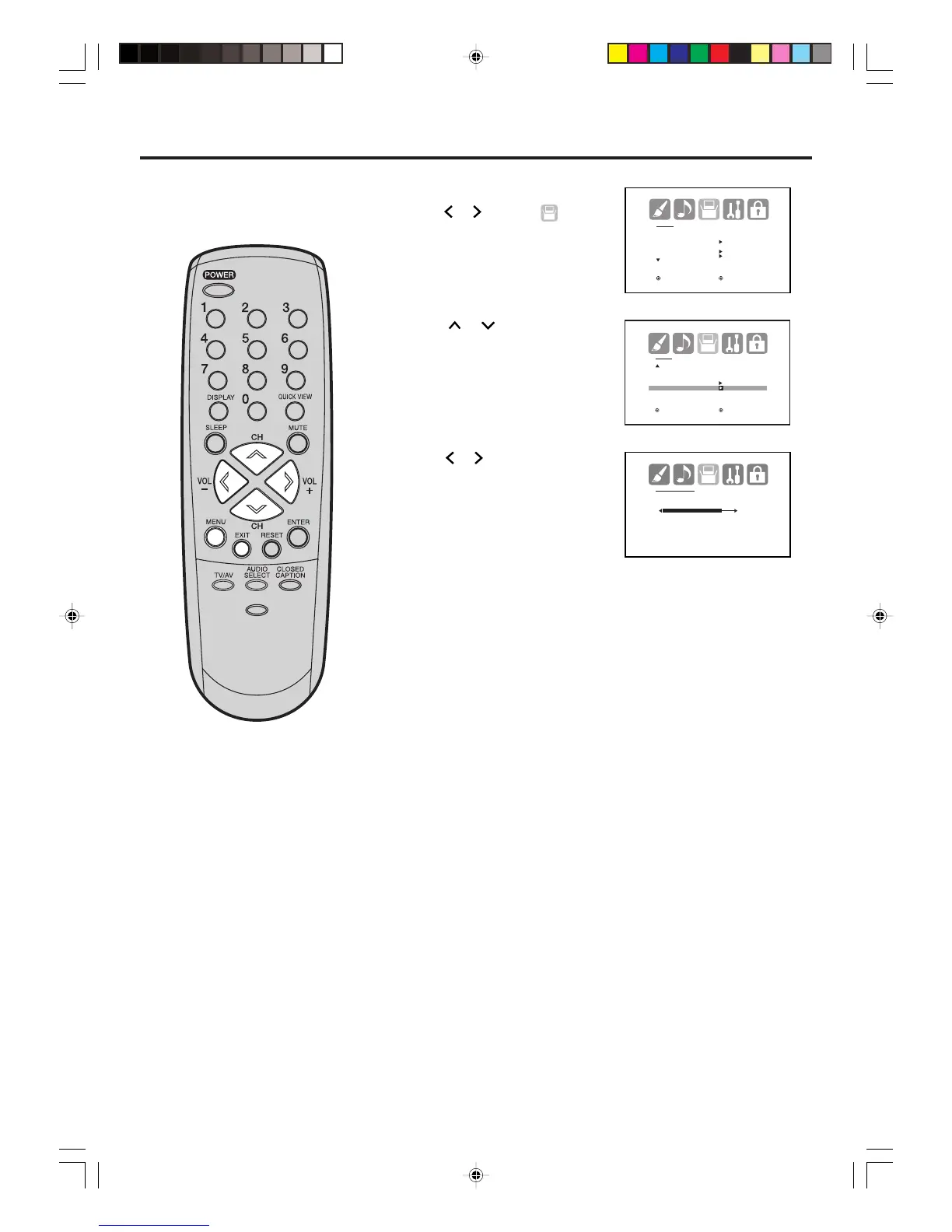
1
2
3
Press MENU, then
press or to select
(SETUP) menu.
Press
or
to select
“SIGNAL METER”.
Press or to check the
Digital-signal strength.
4
Press EXIT to return to the normal screen.



 To Next Page