11
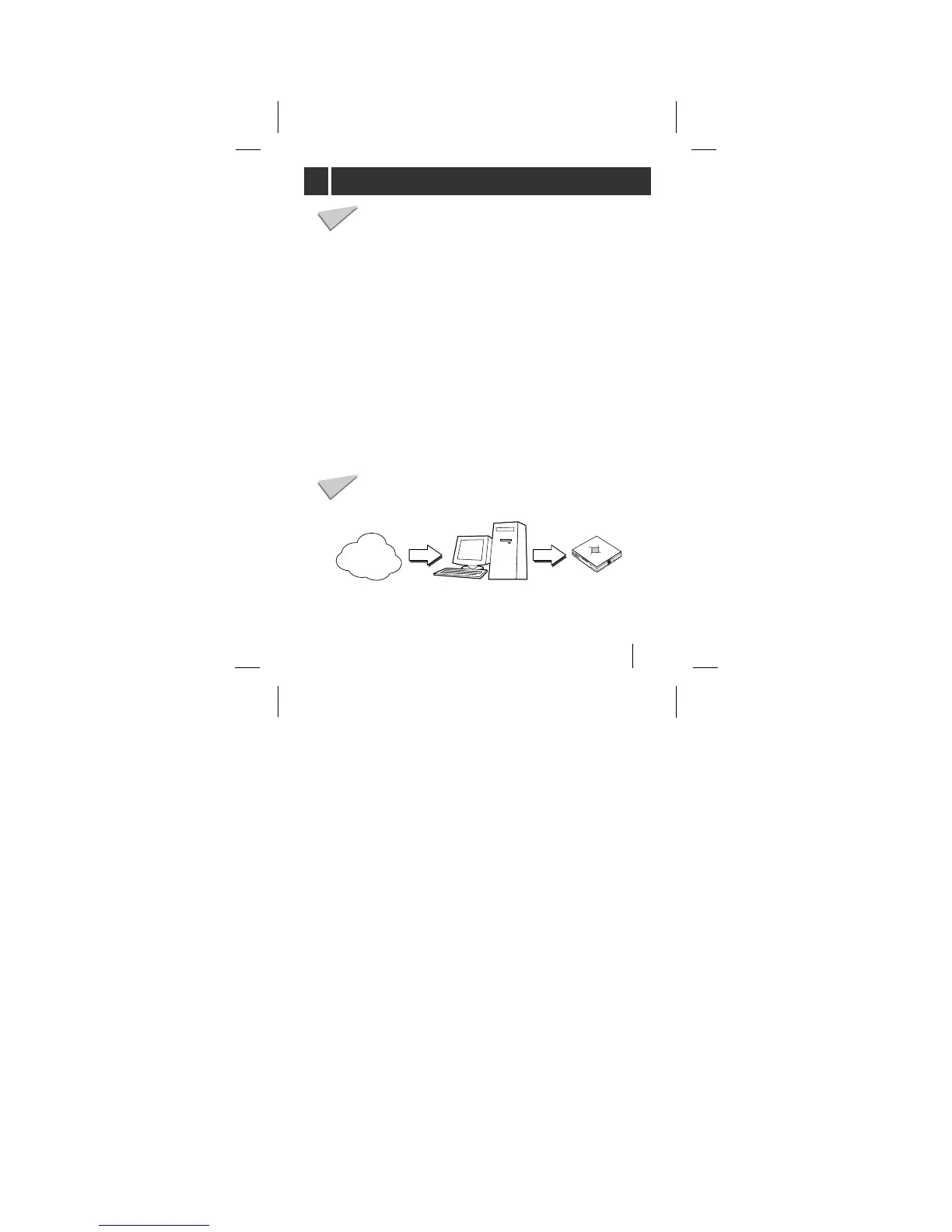
You’ll need to have MP3 files stored on your computer, a
data In/Out cable and your MP3 Player.
Using the MP3 Explorer software, select the MP3 files you
wish to transfer from your PC to the MP3 Player. You can
transfer songs from your PC to your MP3 Player via your
USB port with a data In/Out Cable. Also, you can transfer
data from your MP3 Player to your PC!
A benefit of using MP3 Player for storage of data, windows
documents, etc. is that when transferring large data from
PC to PC, you can carry an equivalent of more than 40
floppy disks! A floppy disk can store only 1.44MB of data,
but you can store up to 64 Mega Bytes of data using your
MP3 Player.
How do I use the ‘MP3 Player’?
Characteristics-advantages of MP3 Player
MP3
file
MP3
file
MP3
Player
Internet
What is an ‘MP3 PLAYER’?



 To Next Page