16
After installing MP3-Explorer
Express software , the MP3-
Explorer icon is created on
the Windows desktop.
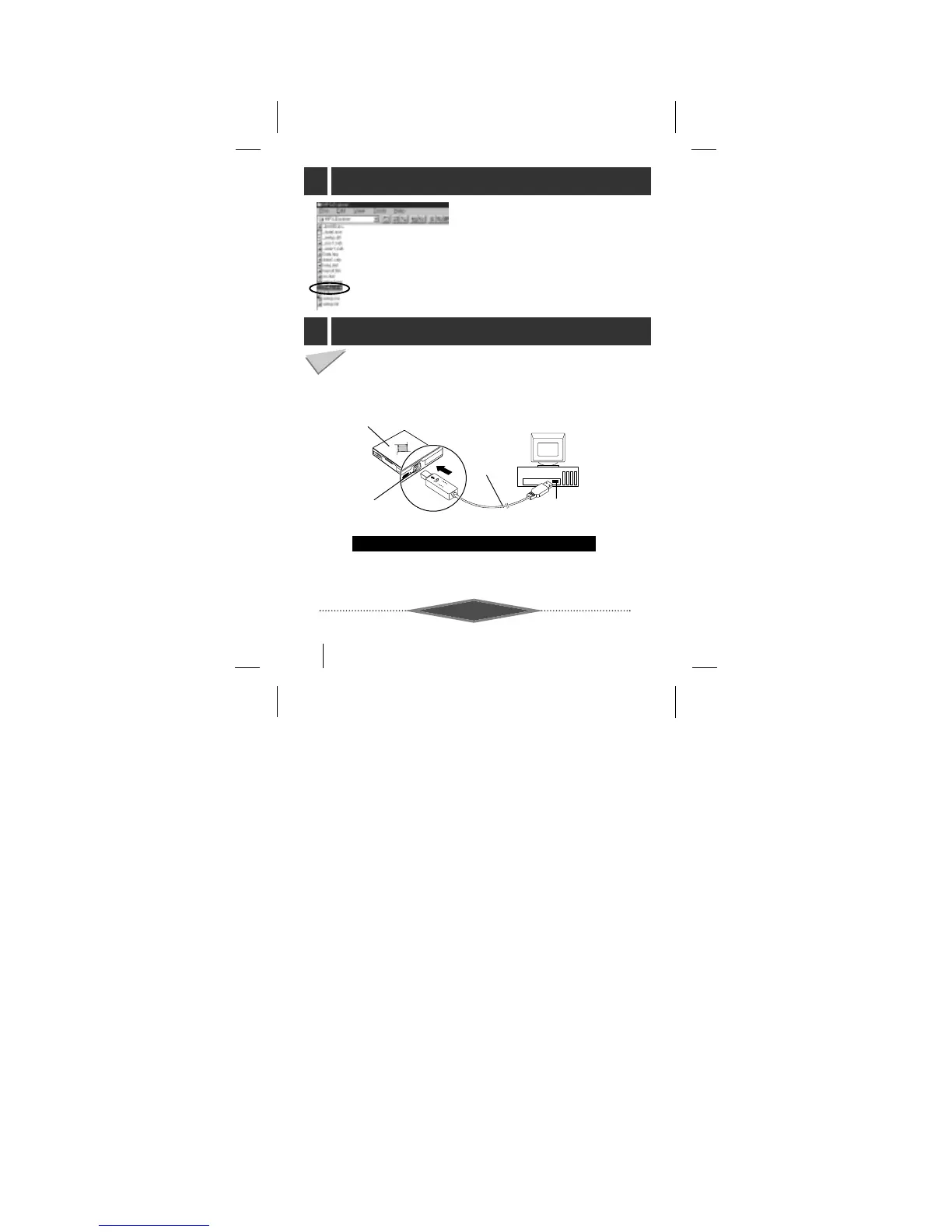
To complete setup, you should connect the supplied Data
In/Out cable to a PC from your MP3 Player.
Connect one end with the USB port on the back of your PC
and then plug the other end into the Data In/Out terminal of
your MP3 Player.
MP3 Player
DATA
In/Out terminal
USB Port
USB Port
Connecting your MP3-Player to a PC
Compare the two ends of the cable
USB: Universal Serial Bus
NOTES



 To Next Page