31
1
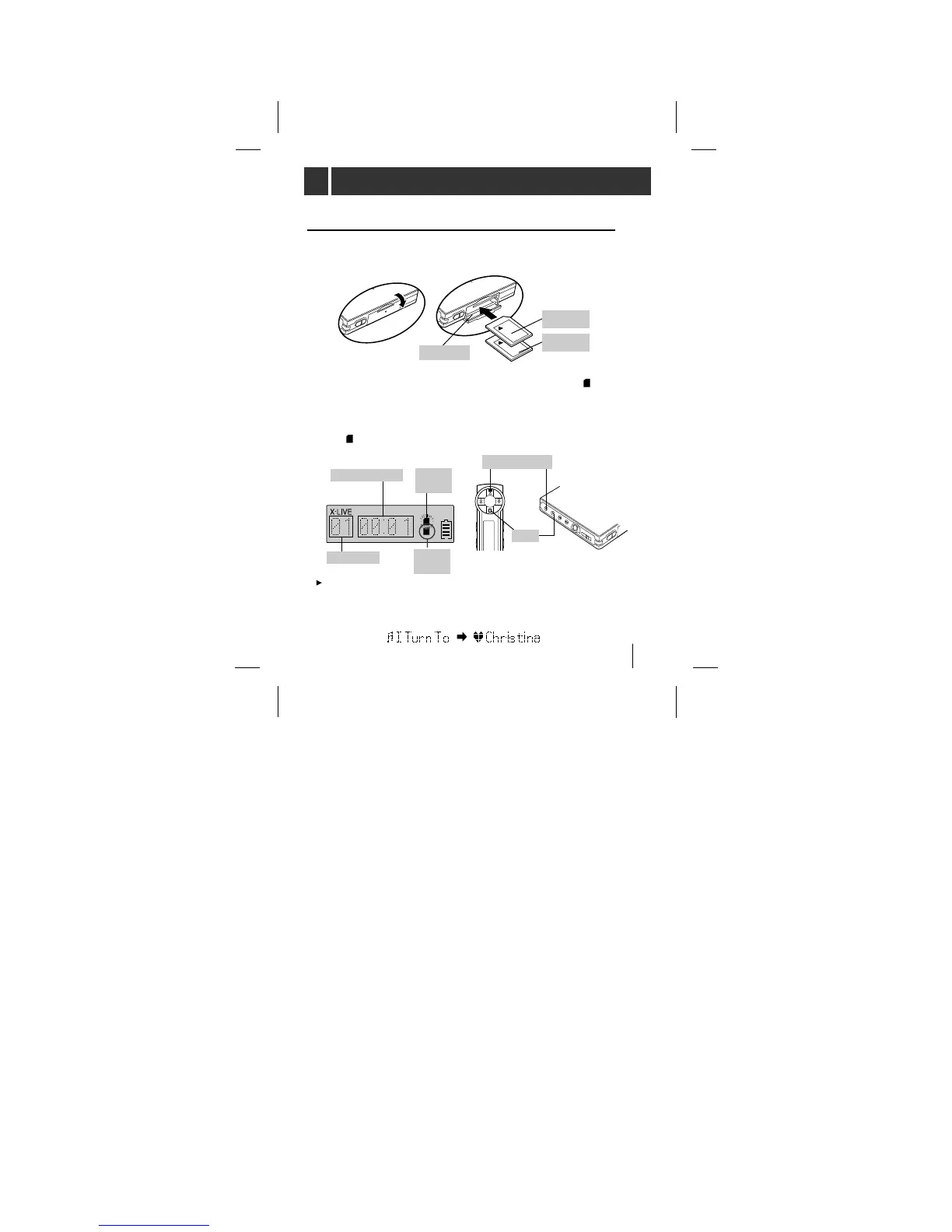
Open the Card door and load the multimedia card 1
or (and) 2.
2 Press PLAY/PAUSE button to play Card 1 [ flashes
on the display and you can hear the beep sound twice]
If you want to play the Card 2, press and hold the MP3
PLAY button for about 2 seconds
[ flashes on the display and you can hear the beep
sound twice]
To play a MP3 file
<remote controller>
<unit>
Each time the playing track is changed you can view the track name
and artist name on the display. The data that is stored on the
multimedia card.



 To Next Page