20
Preparation
1 Insert the battery into the MP3 Player.
2 Put MP3 Player into the stop mode. (While the MP3
Player is operating you cannot download or upload)
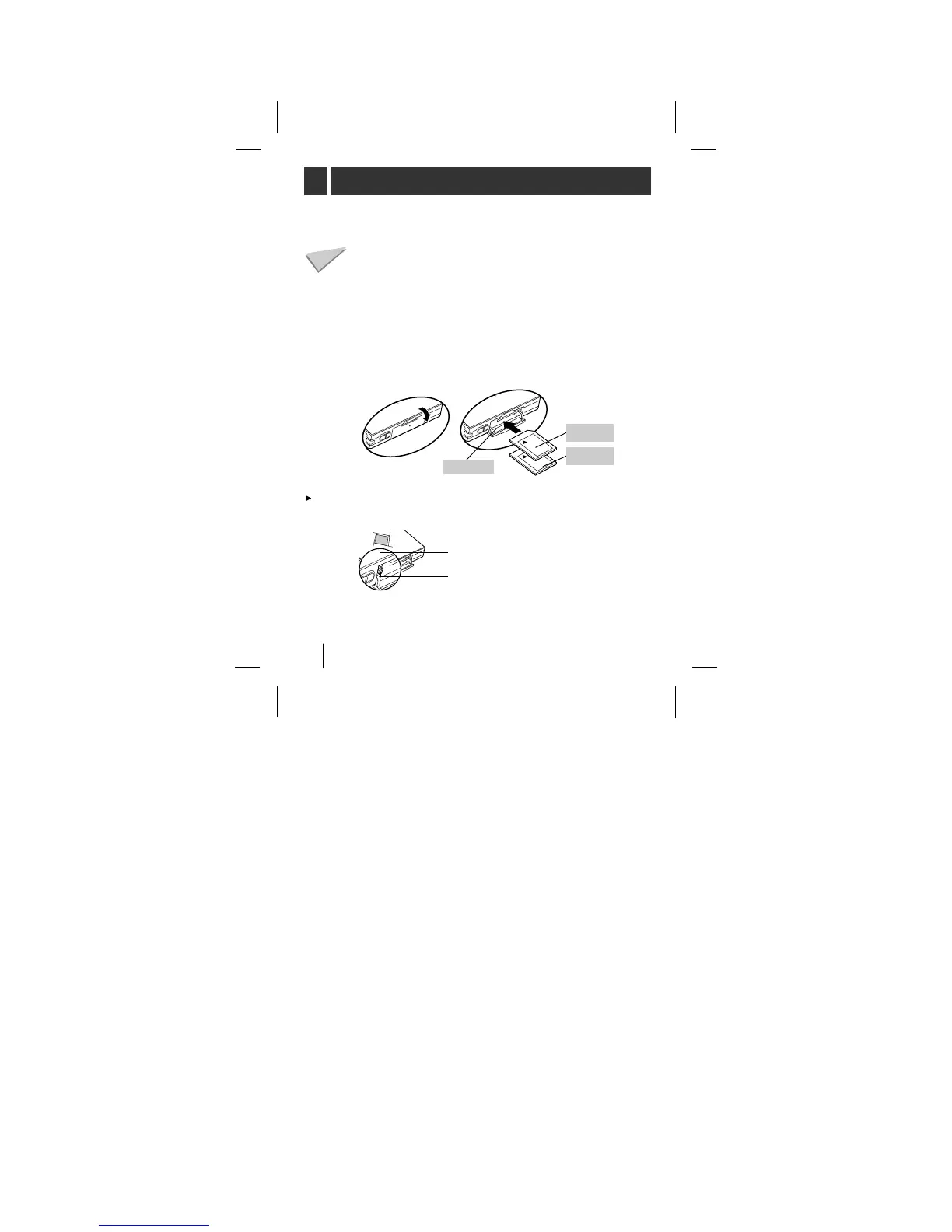
3 Open Card door and load the Card 1 and/or 2.
4 Connect the MP3 Player and your PC with the Data In/Out
cable.
To download the MP3 files or data files from PC to MP3
Player, do the following:
To eject Card, open the Card door and push the Card 1 or 2
eject switch.



 To Next Page