28
Display Contrast
Display Light
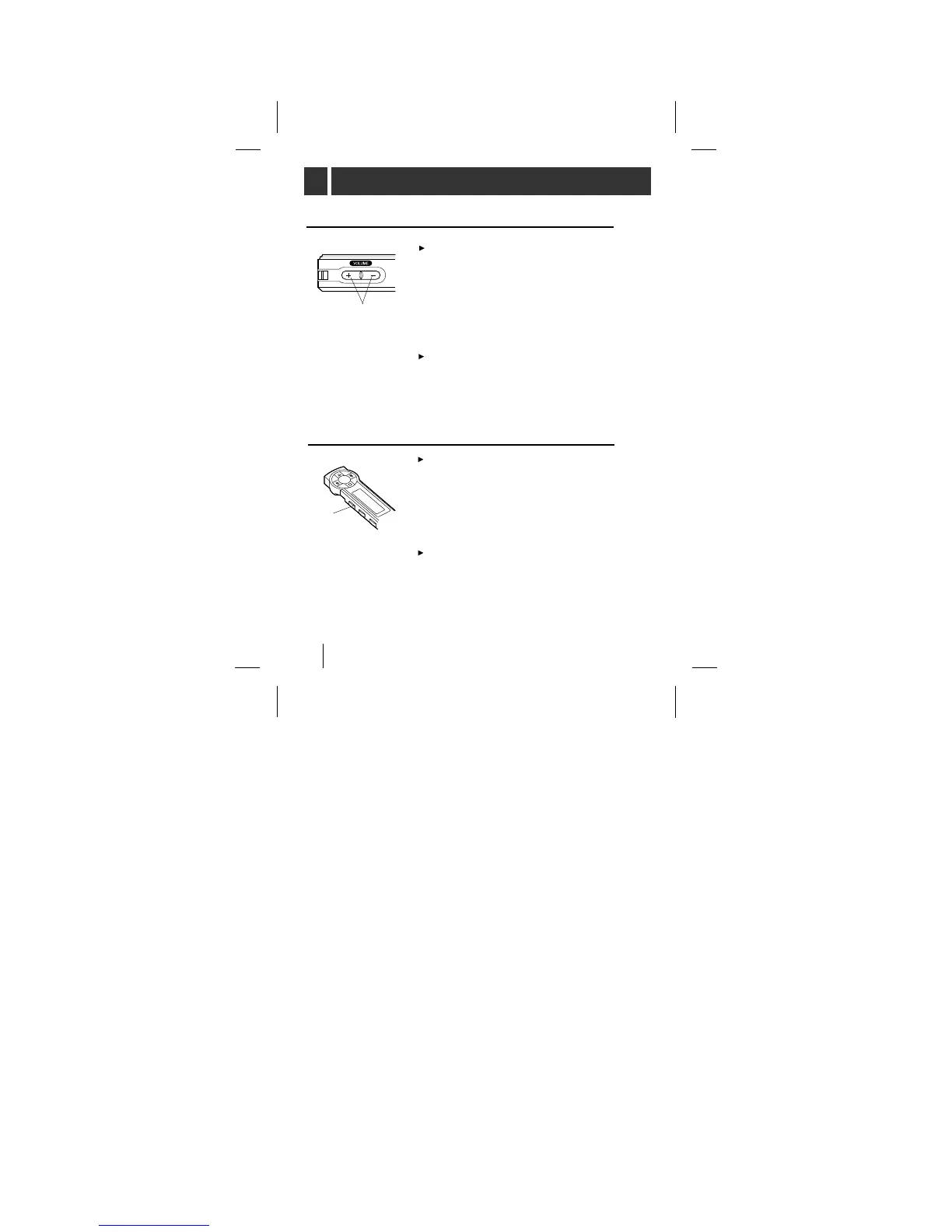
In stop mode, press the VOLUME+
button on the MP360.
each time the button is pressed the
display on remote control will
darken gradually. While if you press
the VOLUME- button, the display
will lighten gradually.
The initial luminosity of the display
is set to stage 5 and it can range
from 5 to 15 stages.
At night or in a dark place press the
LIGHT button on the remote control,
the light will remain on for 10
seconds allowing you to view the
current operating status on the dis-
play.
Under the conditions that the Data
In/Out cable is connected between
your MP3 player and a PC, the
display light of the remote control is
not illuminated.
VOLUME +/-
LIGHT
BEFORE OPERATING



 To Next Page