35
Intro Scan
Intro scan is the function that introduces the first 10 seconds
only for each track of the MP3 files.
Press and hold the or button for about 2 seconds during
MP3 file playing.
‘INTRO and track number’ flashes on the display.
To play a current introducing track continuously, press the
MP3 PLAY/PAUSE ( ) button.
Repeat Play
To play one track repeatedly
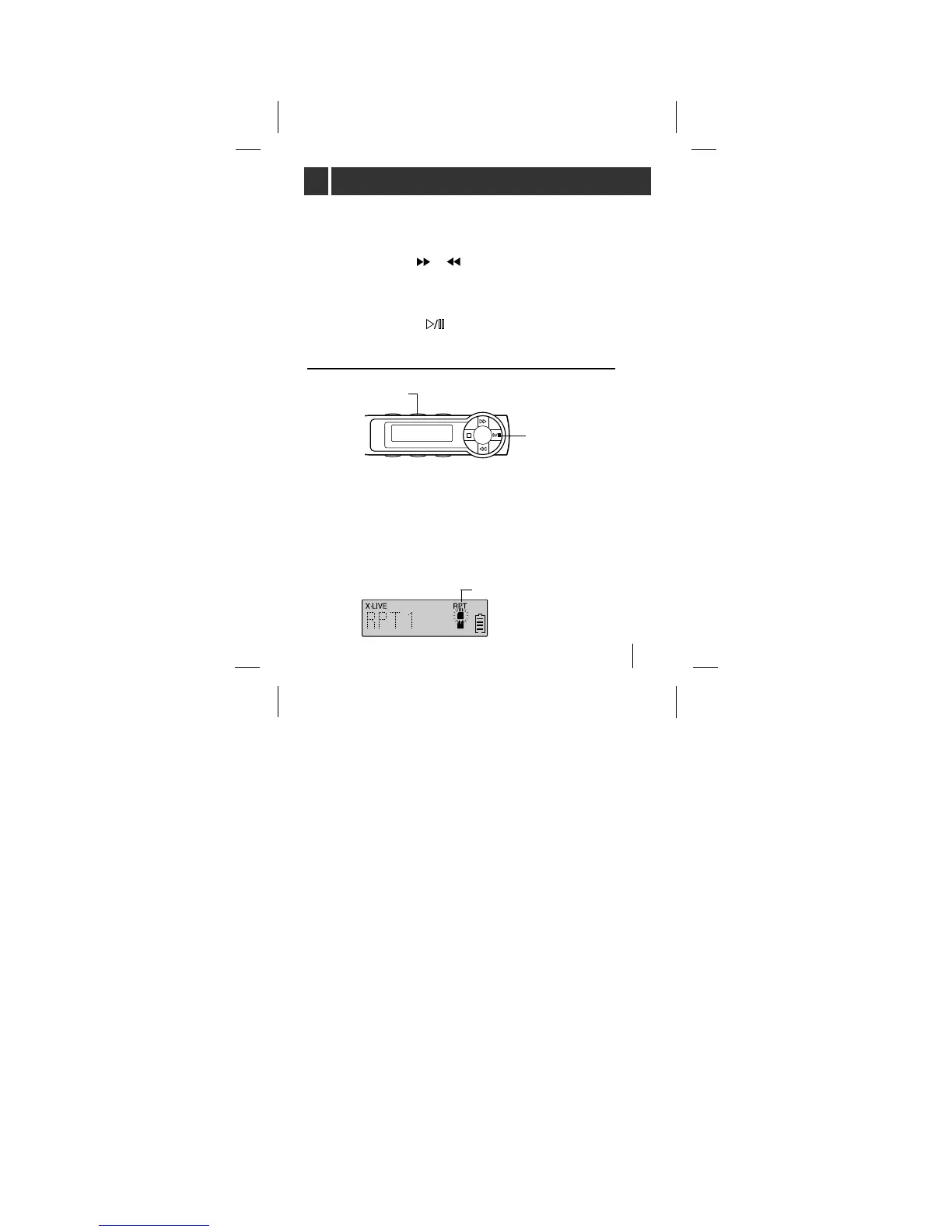
Press the RPT button briefly once while the MP3 file
is playing. ‘RPT1’ appears for a moment on the
display.
To cancel it, press the RPT button briefly once again.
PLAY/PAUSE
RPT
<remote controller>
RPT appears



 To Next Page