37
To cancel random play
Press the RANDOM button briefly once so that RND
indicator on the display goes out.
To skip tracks in the random play mode
Press the or button is pressed, the next track
is selected at random.
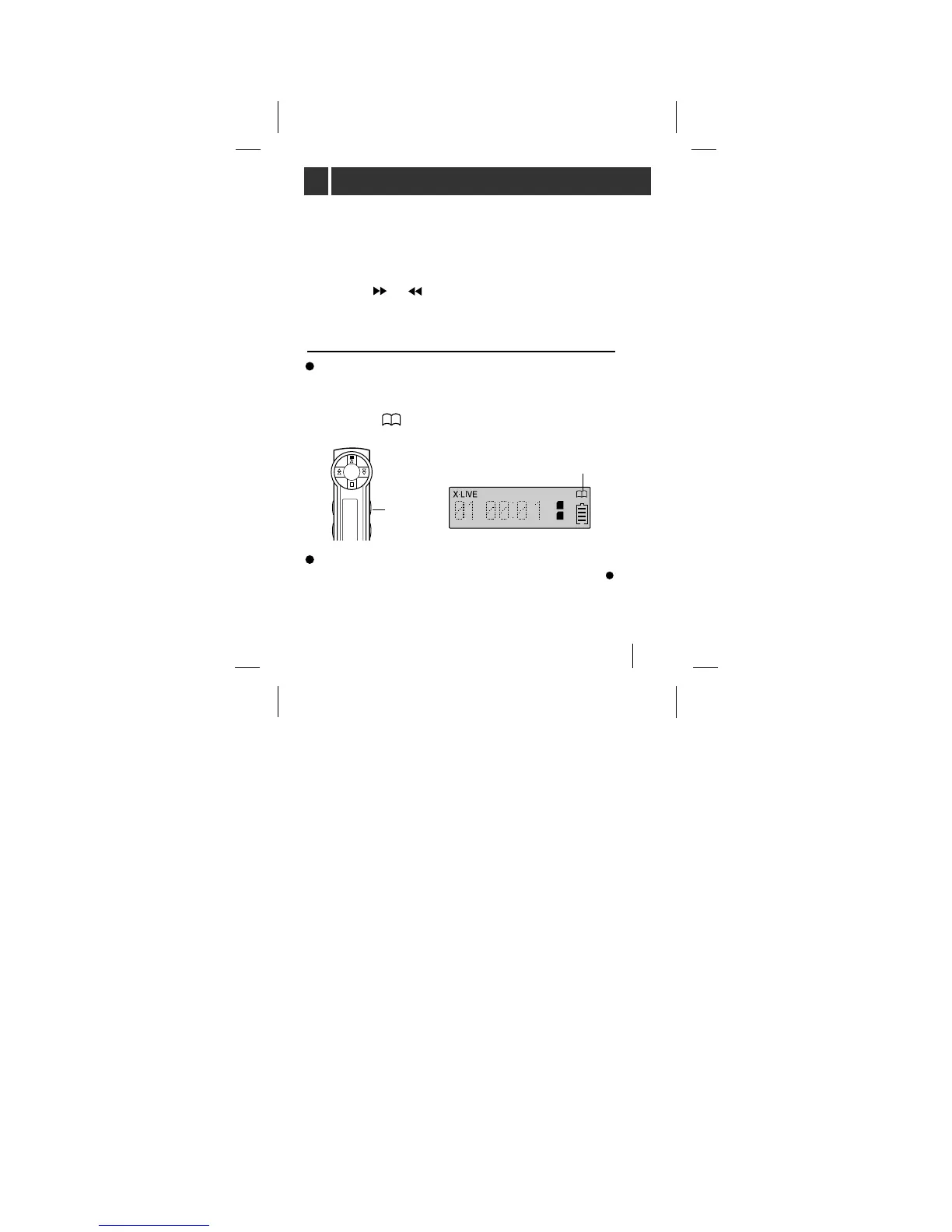
MP3 Book Mark function
If you set the Book Mark during MP3 file playing, you
can search for that ‘set point’ of the track automatically.
Press and hold the B.MARK button for about 2 seconds,
to display ‘’, while the MP3 file is playing.
While playing another track or another point of the set
track is playing, press B.MARK button briefly once ( ).
The player automatically searches and plays the ‘set
point’. This works in the currently playing card only.



 To Next Page