Sleep Function
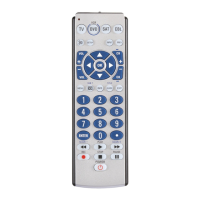
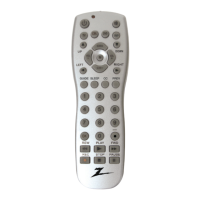
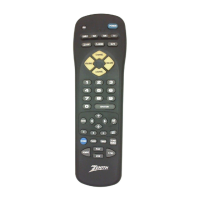
The SLEEP button operates the Sleep function of your
device providing it supports the Sleep function. Alter-
natively, you can enable the remote to turn off your TV
after a period of 1 to 99 minutes as shown below. This
feature works even if your TV does not have its own
Sleep function.
1. Press and hold the CODE SEARCH button until the
red indicator stays on. Release the CODE SEARCH
button.
2. Press and release the SLEEP button (Note any previ-
ously set Sleep timer is canceled at this point and the
remote returns to normal operation).
3. Press and release the numeric buttons (01-99) for the
time required. The red indicator blinks off to indicate
button press acceptance and remains off after the
second button press.
4. The TV Sleep Timer is now set.
5. Leave the Remote pointing towards the TV with
an unobstructed path.
To cancel the Sleep Timer, press and release the
POWER button or repeat Steps 1 and 2 above.
4


 To Next Page