Home
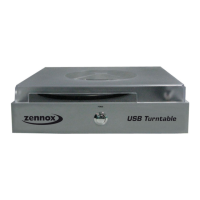
Zennox
Turntable
D3939
Page 18 (Audacity Configuration for Mac)
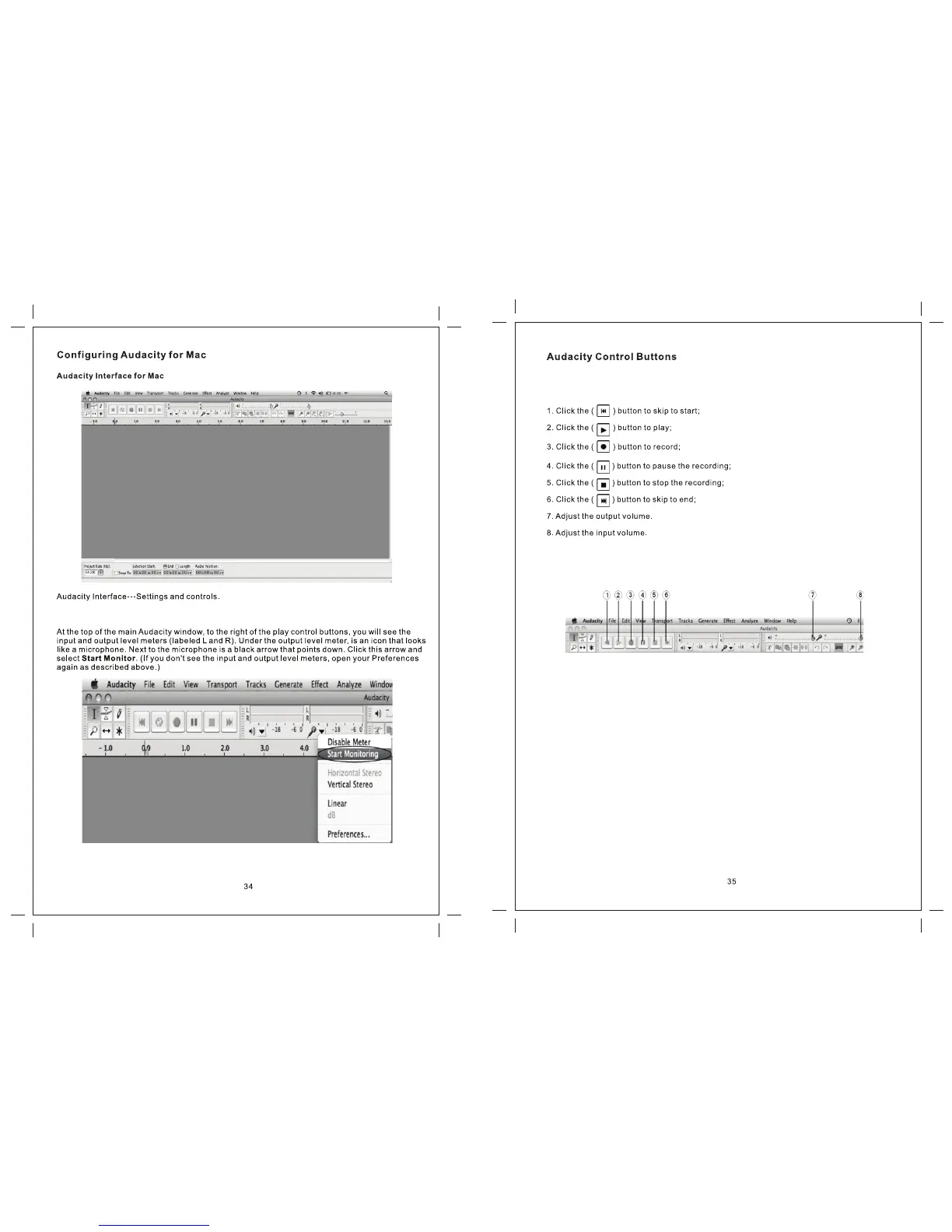
Zennox D3939 - Audacity Configuration for Mac; Mac Interface and Controls Overview
22 pages
Manual
Save Page as PDF
To Next Page
To Next Page
To Previous Page
To Previous Page
Loading...
Use the attribute controls button at the top of the screen to go to the beginning, Play
, Record,
Pause, Stop and End. Use the File, Edit, View
, Project, Generate, Effect and Analyze menus
to Save, Export and edit the music.
17
19
Table of Contents
Main Page
Important Safety Instructions
1
Precautions
2
Before Use
3
Handling Records
3
How to Replace the Stylus
3
Discs
4
Location of Parts
4
Basic Operation
5
Listening to the Radio
5
Cassette Tape
6
Listening to a Record
6
Listening to the Tape
6
Listening to the AUX in
6
Listening to a CD
7
Record to PC
8
Audacity Software
8
Audicity Installation and USB Connection
8
Installing the Audacity Software
8
Configuring Audacity for Microsoft Windows
11
Audacity Control Buttons
11
Audacity Preferences
11
Preparing to Export and Save for MP3 Format
12
Recording Operation
14
Dividing Tracks
15
Export and Save for WAV, Ogg, or MP3 Formats
17
Configuring Audacity for Mac
18
Troubleshooting Guide
21
Specifications
21
Related product manuals
Zennox JW-220GP/D3992
22 pages
Zennox E-E010
40 pages


 To Next Page