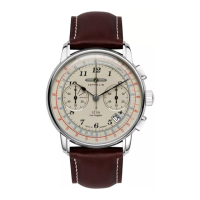
CHRONOGRAPH RESET: (INCL. AFTER REPLACING BATTERY)
This procedure shoud be performed when the chronograph second hand does not
return to the Zero posion.
1. Pull the crown out to the 2nd Click Posion.
2. Press the buon „A“ once to set the chronograph second hand to the Zero po-
sion. * The chronograph hand can be advanced rapidly by connuously pressing
buon „A“.
3. Once the hands are set at Zero posion, reset the me and return the crown
to its Normal posion [ N ] .
2. The chronograph can be started and stopped each me buon „A“ is pressed.
3. Press buon „B“ to reset the chronograph and chronograph minute and second
hands return to their
Zero posions.
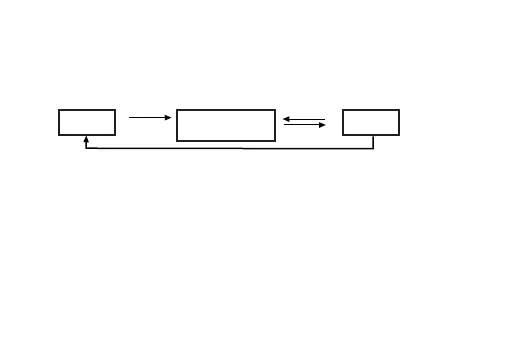
Reset Stop
Time
Measurement
„A“
„A“
„A“
„B“
DO NOT set Date between 9:00 pm – 1:00 am


 To Next Page