D REMOVABLE WATER TANK
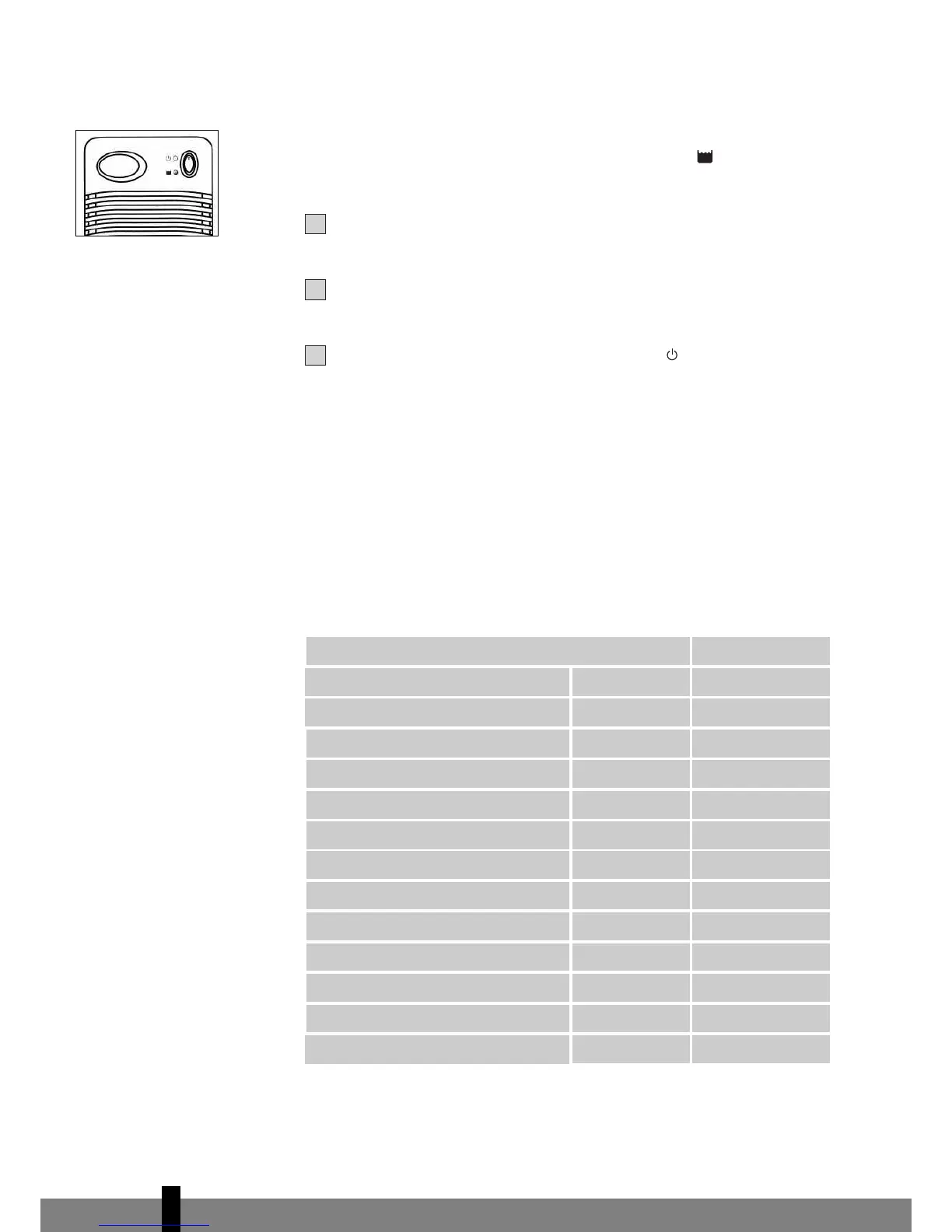
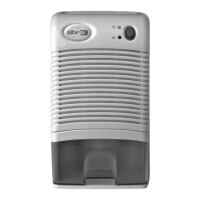
When the water tank is full, with approximately 1 litre of water collected, the unit
will be switched off automatically and the “Yellow” LED (3) will be on [as
Fig.4].
To remove the water tank, first switch off the Zibro Dehumidifier, press
button (1) to the ‘off’ position.
Then, remove the water tank from the unit and pour the water out to the
toilet or bathroom. Put the water tank back into the unit.
To continue dehumidifying, press the button (1) to position again.
E CLEANING
Before cleaning the unit, turn off the Zibro and unplug the AC plug from the
main socket first. Use a piece of soft cloth to clean the surface of the product or
use a brush to wipe the dust off the grills of the air inlet (4).
F SPECIFICATIONS
To be used as indication, subject to modifications


 To Next Page