EasyManua.ls Logo

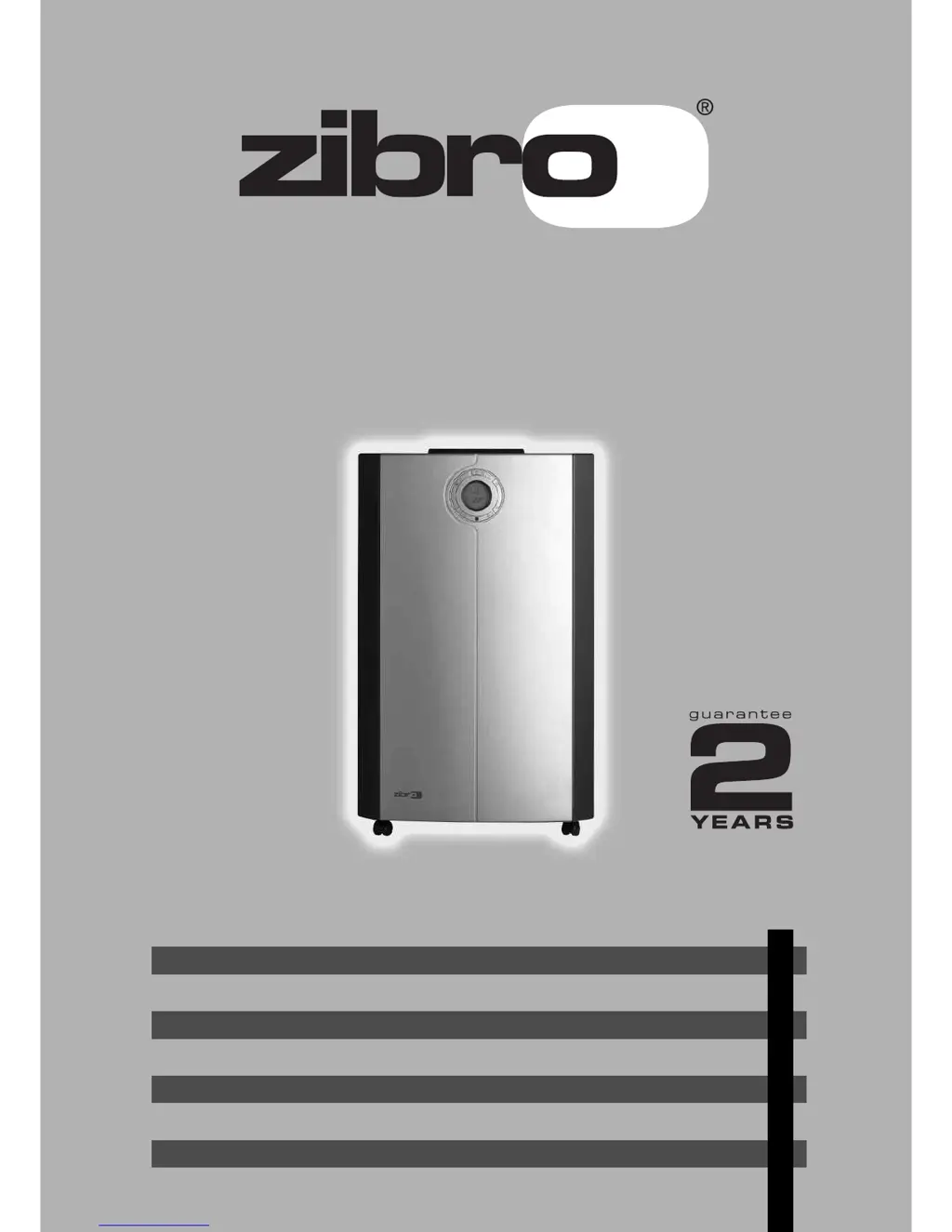
Zibro P 629 - User Manual

Zibro P 629
18 pages
Print Icon
To Next Page IconTo Next Page
Loading...
4
18
32
46
60
74
88
102
BEDIENUNGSANLEITUNG
BRUGSANVISNING
INSTRUCCIONES DE USO
MANUEL D'UTILISATION
OPERATING MANUAL
ISTRUZIONI D’USO
GEBRUIKSAANWIJZING
INSTRUKCJA OBS
ŁUGI
2
6
5
3
4
>
1
:
P 622 - P 629 - P 639

Questions and Answers

Summary

General Safety

Safety Instructions

Installation

Operation

Connecting to the Main

Connect the unit to the main power supply and switch it on.

Setting the Clock

Adjust the current time displayed on the unit's LCD.

Temperature Setting Up;Down

Modify the desired cooling temperature using the control buttons.

Mode Switch

Select operating modes like cooling, fan only, or auto.

Fan Speed Setting

Adjust the fan speed for different comfort levels or auto operation.

Timer Setting

Program the unit to turn on or off automatically at set times.

Cancelling the Timer Function

Disable programmed timer settings and return to normal time display.

Airflow

Adjust the direction of air discharge by moving the grill or louvers.

Sleep Mode Function

Modify settings for quiet operation and gradual temperature adjustment during sleep.

Air Filter

Empty Internal Water Container

Remote Control

Cleaning

Storage

Trouble Shooting

Guarantee Conditions

Technical Data

Zibro P 629 Specifications

General IconGeneral
BrandZibro
ModelP 629
CategoryAir Conditioner
LanguageEnglish

Related product manuals