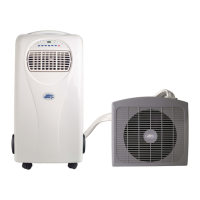
I
NSTALLATION OF THE OUTDOOR UNIT
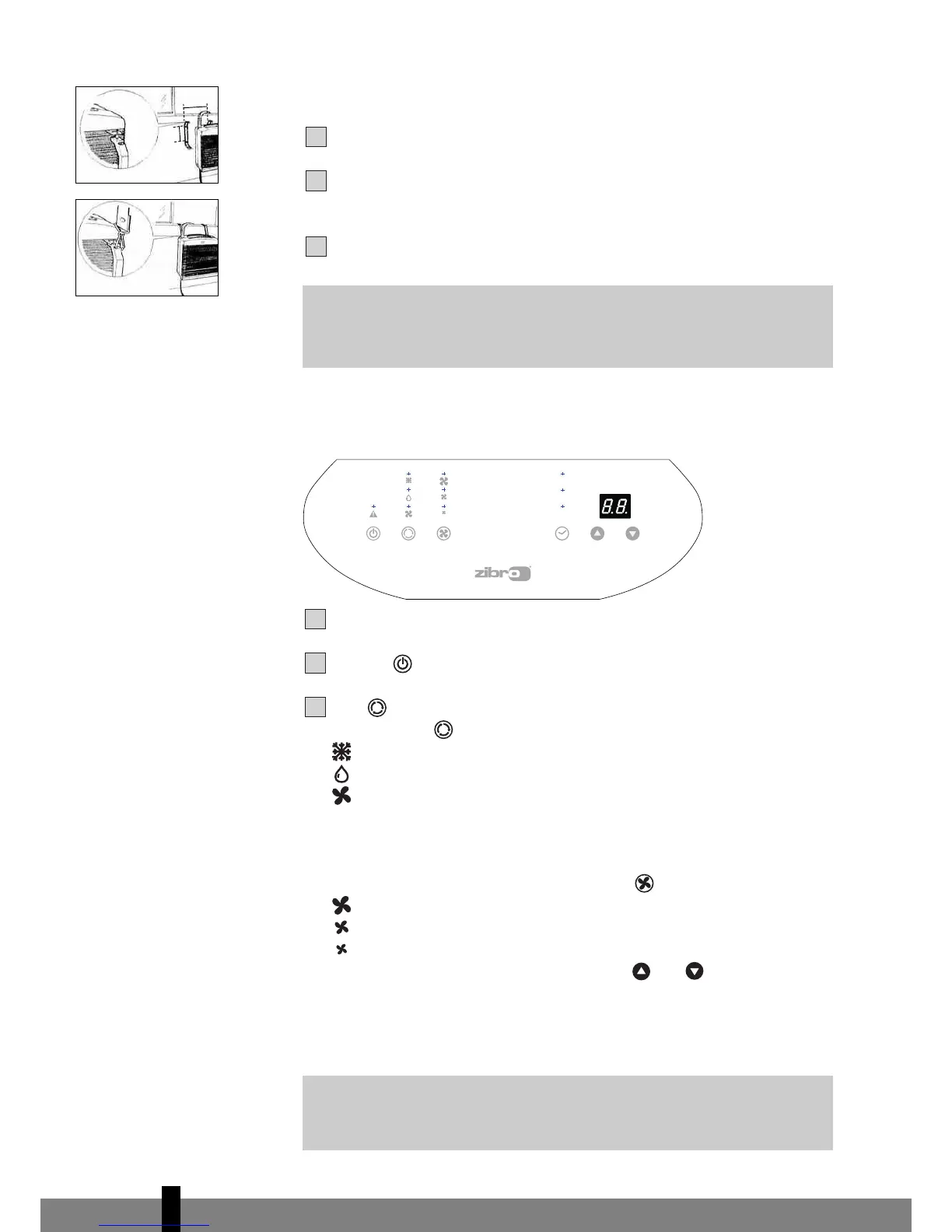
Firmly screw the mounting bracket N to the wall.
Connect the safety belts to the outdoor unit and a fixed object inside the
r
oom in order to avoid danger when accidentally dropping the outdoor unit.
Hang the outdoor unit.
C OPERATION
Insert the plug into the wall outlet.
Press the -button to switch on the air conditioner.
With -button you can change the operating mode of the unit.
By pressing the -button the following modes appear:
Cooling, the green light lits.
Dehumidifying, the orange light lits.
Air circulation, the yellow light lits.
COOLING
When the unit is in the cooling mode, the following functions apply:
• The fan speed can be adjusted by pressing the -button
Maximum setting.
Medium setting.
Lowest setting.
•
The temperature can be set by pressing the and buttons, anywhere
between 16°C en 32°C. The display will show the set temperature for 15
seconds and the “set temp” will light up. Fifteen seconds after setting the
r
equired temperature, the display will show the room temperature.
G
It depends on the envir
onment whether the r
equir
ed temperatur
e will
be r
eached. It is not a malfunction of the air conditioner if the r
oom
temperatur
e remains above the “set temp”.



 To Next Page