36
8. Pairing the
®
-Remote control
with an app/gateway
Initially pair at least one light with the gateway (see
the relevant app provider‘s instructions).
Pairing with an app/gateway
First reset the Q remote control (see point 10). Now
in the app add the Q-RC as a ‚New device‘. To do
this, follow the app‘s instructions. Then hold the Q-RC
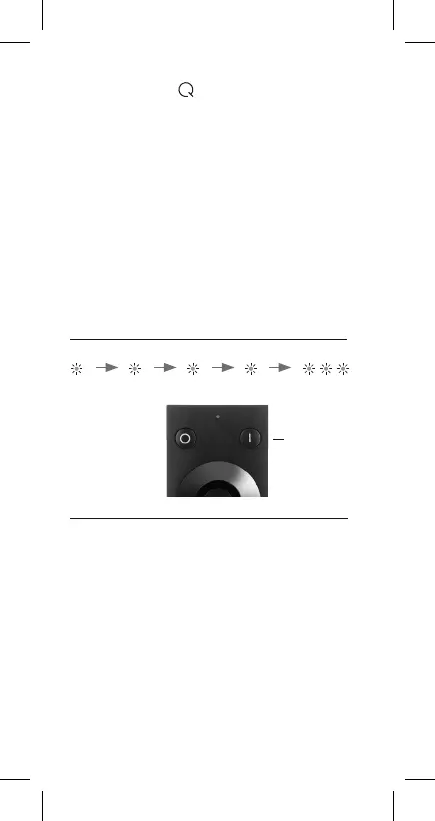
close to the gateway (< 10 cm) and hold down the
Q-RC‘s ‚On‘ key for more than 5 seconds until the
status LED flashes.
Check that the pairing process was successful by
pressing the ‚1-3‘ key on the Q-RC and then the ‚On‘
or ‚Off‘ key. If the devices paired in the gateway get
switched on/off, the process was successful. The Q-RC
is now connected to the gateway. If you want to
control lights/devices in all their functions (i.e.
including scene and group control) via the Q-RC, they
must now also be paired with it (see point 5.).
1 sec. 2 secs. 3 secs. 4 secs. 5 secs.
‚On‘ key


 To Next Page