35
GB
Tip: If you are looking to be able to put lights/
devices within one group into different operating
states, follow the instructions below:
Manually turn off all lights. Now, in each case
separately, switch on one light/device and put it into
the desired operating state (see guidance at points
1. to 4.). Continue as described with further lights/
devices.
Then turn on all lights/devices to be included in the
scene and save it.
Activate a scene
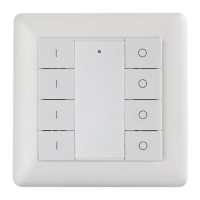
Briefly press one of the two scene buttons – the scene
gets activated.
Delete scene
If you want to delete a scene, simultaneously hold
down the P key and relevant scene key for 5 seconds.
The lights/devices concerned must be on.


 To Next Page