21
HRC HEART RATE CONTROLLED PROGRAMME
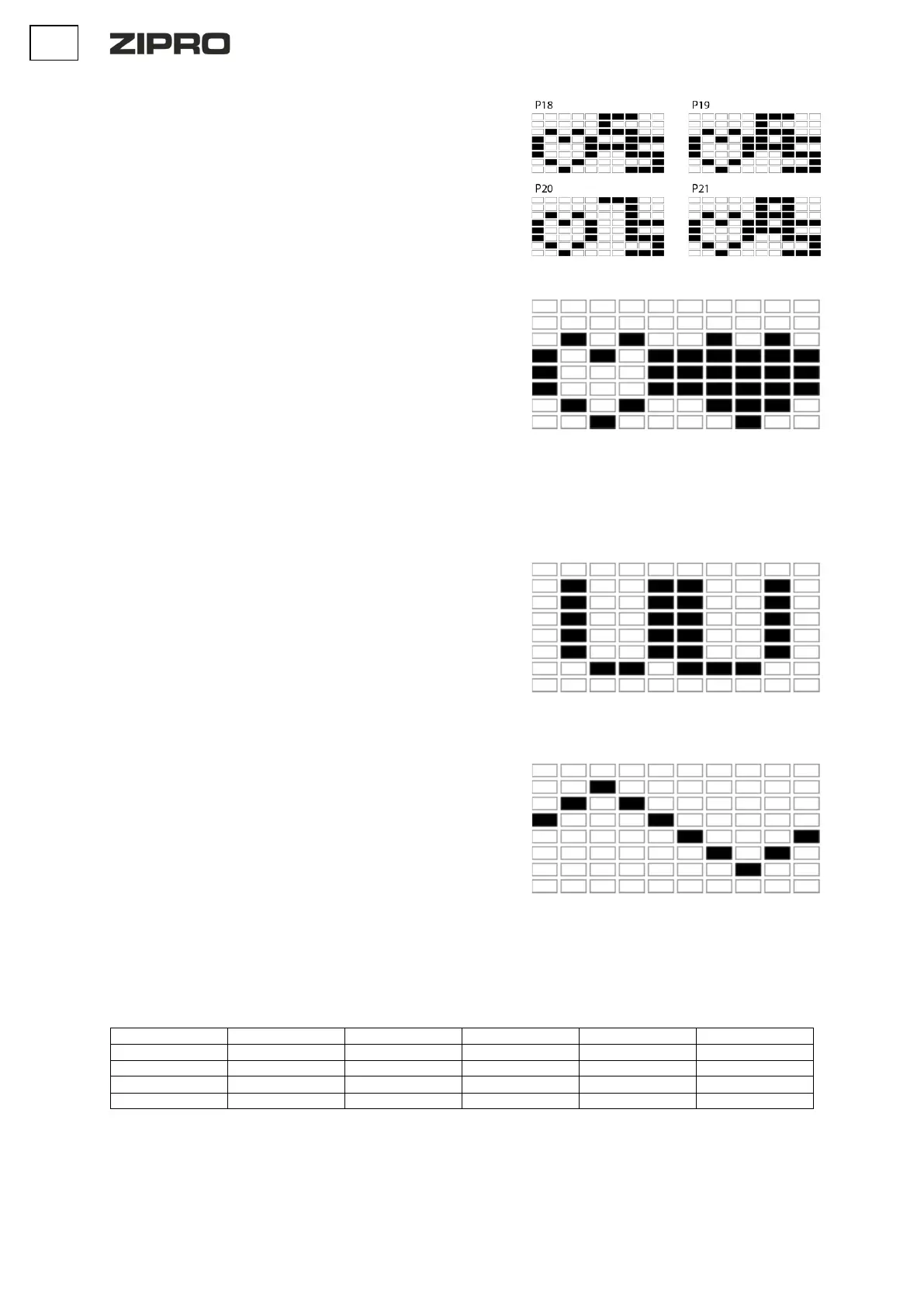
P18: 55% P19: 65% P20: 75% P21: 85%
• Using the UP and DOWN buttons, select the program P18-P21.
• Press the ENTER button to confirm your selection.
• Use the UP or DOWN buttons to set your age (AGE). The default setting
is 35.
• Press the ENTER button to confirm your selection.
• Use the UP or DOWN buttons to set the time (TIME). distance
(DISTANCE). calories (CALORIES). pulse (PULSE).
• Press the ENTER button to confirm your selection.
• Start the workout by pressing the START/STOP button.
• Stop the workout by pressing the START/STOP button.
• Using the UP and DOWN buttons, select the P22 programme.
• Press the ENTER button to confirm the selection.
• Set the time (TIME), distance (DISTANCE) and calories (CALORIES) by
pressing the UP or DOWN button.
• Confirm your selection with the ENTER button.
• Use the UP or DOWN buttons to set any desired target pulse.
• Start your workout by pressing the START/STOP button.
• Stop the workout by pressing the START/STOP button.
NOTE: During exercise, your heart rate value depends on the resistance level
and speed. The PULSE programme is designed to ensure that the user's heart
rate is within the set value. When the computer detects that the current heart
rate is higher than the set value, it will automatically reduce the resistance level
to slow down the exercise. If your current heart rate is lower than the set value,
it will increase the resistance.
WATT PROGRAM
• Using the UP and DOWN buttons, select the P23 programme.
• Press the ENTER button to confirm the selection.
• Set the time (TIME), distance (DISTANCE), calories (CALORIES), and
pulse (PULSE) by pressing the UP or DOWN button.
• Confirm your selection with the ENTER button.
• Use the UP or DOWN buttons to set the WATT target value.
• Start your workout by pressing the START/STOP button.
• The system will automatically adjust the resistance level.
• Stop the workout by pressing the START/STOP button.
NOTE: The system adjusts the resistance automatically.
• In STOP mode, press the BODY FAT button to start measuring body fat.
• Use the UP or DOWN buttons to set height (HEIGHT). The default
setting is 170 cm. Weight (WEIGHT). The default setting is 70 kg. Sex
(GENDER). The default setting is 1 (MAN). Age (AGE). The default setting
is 35.
• Confirm by pressing ENTER.
Once confirmed, the measurement will start.Keep your hands on the pulse
sensors at all times during the measurement. After 10 seconds, the BODY FAT %
value will be displayed on the screen. The computer will start the programme
adapted to the test results.
• Start your workout by pressing the START/STOP button.
• Stop the workout by pressing the START/STOP button
NOTE: If no puslu is detected, the computer will display an E. error


 To Next Page
 Loading...