161
Must Input ID
Note:
This feature disables 1:N
Fingerprint Matching and places the
F707/708 in 1:1
Fingerprint Matching mode.
Although 1:1
Fingerprint Matching requires the extra step of FIRST
entering a user’s ID number prior to scanning his/her finger, 1:1
Fingerprint Matching is more consistent than 1:N (many) fingerprint
matching.
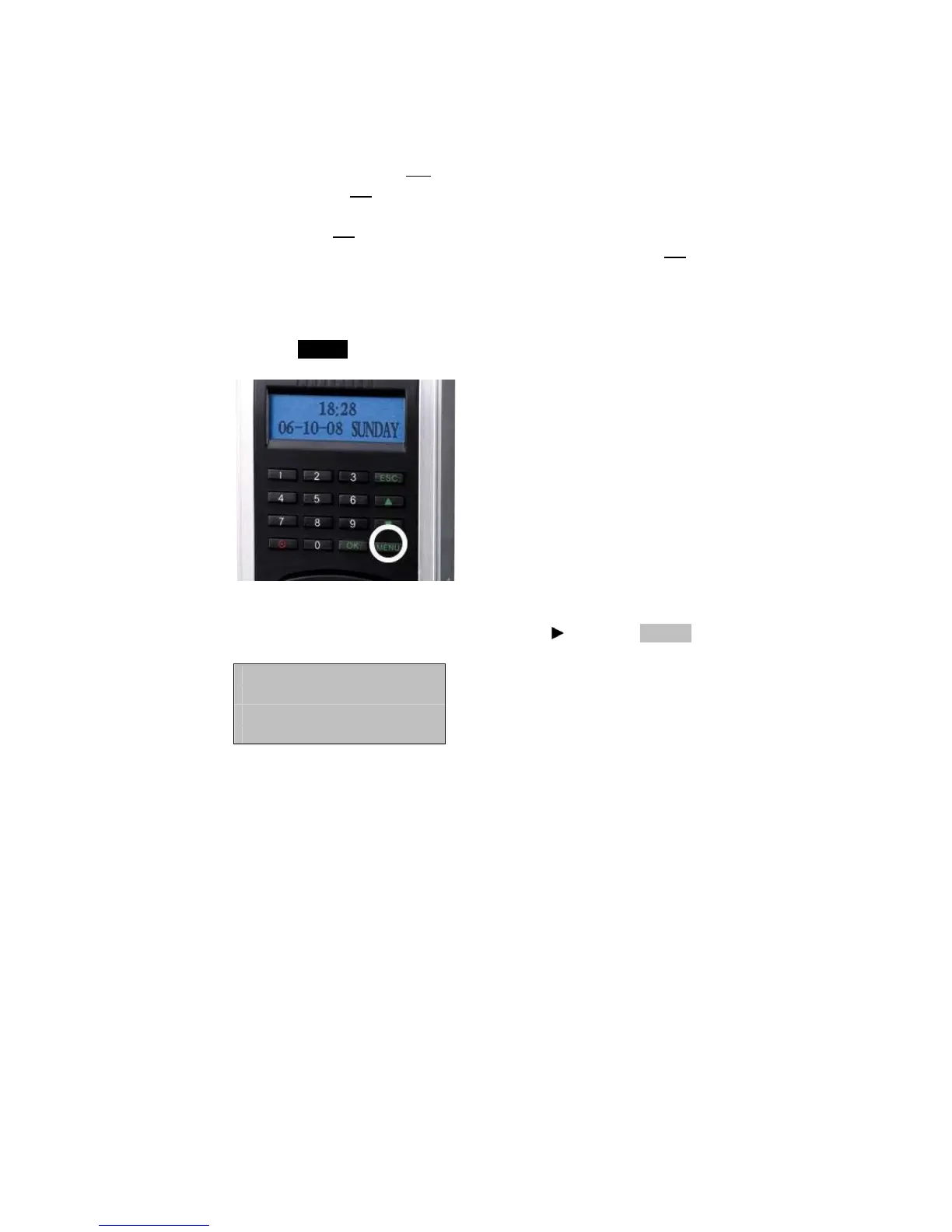
Press the MENU key on the F707/708.
Scroll with the ▲/▼ keys and place the cursor ( ) alongside Options.
Menu ▼
User Manage
►Options



 To Next Page